On this page
- Can a POS keep a deposit on a special order at a furniture store?
- Can a furniture store offer financing on a big-ticket sale?
- How should a furniture store POS handle delivery and pickup?
- How should a furniture store pay floor salespeople commission?
- Can a POS track floor models and warehouse stock?
- How should a furniture store handle returns and restocking?
- Can one POS run several showrooms and a warehouse?
- What does the FTC require when a furniture order ships late?
- What does a furniture store POS system cost?
- What should a furniture store test in a free trial?
- Common questions
Key takeaways
- Count the floor model, the boxed piece and the one on order separately, and share that count with your website.
- A special-order deposit should sit on the customer’s balance with a due date, and a big cash payment may need an IRS Form 8300. Ask your accountant.
- Financing and pay links let a customer pay over time while you are paid up front. Get each lender’s fee in writing.
- Test commission and returns on a real ticket. MazalPOS takes commission back on a refund and lets you choose whether the piece goes back into stock.
- MazalPOS is $99 or $169 a month per location. Commission, payroll, the online store and several locations are on Growth, and the trial is 14 days with no card.
The best POS system for a furniture store is the one that passes six tests on your own showroom: a deposit that stays on the customer’s balance until a special order arrives, financing for the big ticket, a stock count for every piece in every place, commission worked out on each sale, a return that restocks or not as you choose, and one login for every showroom. MazalPOS covers these, and where it does not describe a feature this guide says to ask. The checklist works for any system you are comparing.
Can a POS keep a deposit on a special order at a furniture store?
A POS can keep a special-order deposit if it records the whole sale, takes part of the money now and shows what is still owed. That matters in furniture, where a sofa in the customer’s fabric can take weeks to arrive and the customer pays long before it does.
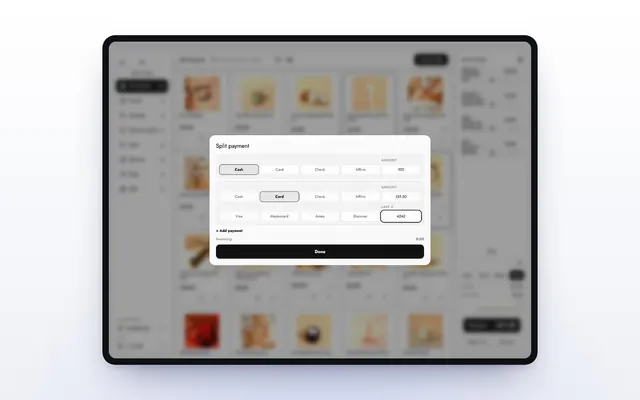
In MazalPOS you ring the sale at the agreed total and choose Deposit. The deposit form asks for the date the balance is due and the customer’s signature, the deposit sits on the customer’s balance, and you can charge what is left to the customer’s card later and print the final receipt. Balances and deposits show on the customer’s profile, so any salesperson at the counter can see what was paid. Test it with a real order: take a deposit, find it on the profile a week later and take the rest. See payments and customer profiles.
Write your own cancellation and special-order policy, print it where the customer can read it, and check your state’s rules. Big furniture orders can also pass the cash reporting line. The IRS says a business that receives more than $10,000 in cash in a single transaction or in related transactions must file Form 8300, within 15 days after the cash transaction occurred. Ask your accountant how a cash deposit and a later cash balance on the same order are treated. This is a summary, not tax or legal advice.
Can a furniture store offer financing on a big-ticket sale?
A furniture store can offer financing on a big-ticket sale if the POS can take a payment plan at the counter and online, so a customer who balks at the total can pay over time while you are paid up front. MazalPOS supports Affirm, Klarna, Afterpay, Sunbit, Care Credit and Cherry financing in the store, and Affirm online.
At the counter you can also text or email a pay link, and the customer applies for Affirm, Klarna, Afterpay or Sunbit on their own phone. Pay links carry a 3% fee, and Klarna, Afterpay and Sunbit show up when your Stripe account has them switched on. Approval is the lender’s decision, and each lender charges its own fee, so ask for the terms in writing before you promise a customer anything. See the guide to offering financing at checkout and check the pricing page for what each plan includes.
How should a furniture store POS handle delivery and pickup?
A furniture store POS should record how every order leaves the building, carried out, picked up later or shipped, so nobody has to guess where a piece went. A sold sofa that sits in the warehouse with no note is how deliveries get missed.
In MazalPOS the online store lets a customer choose shipping or in-store pickup at checkout, and both land in one order list that your team works from. A pickup order reserves its stock until it is picked up or cancelled, so the same piece is not sold twice. The back office has a shipments list with tracking. See how the online store works.
If you run your own trucks and book customers into delivery windows, the MazalPOS pages describe shipping and pickup, not truck routing or delivery windows. Ask us how your crew’s schedule would sit next to the register before you decide.
How should a furniture store pay floor salespeople commission?
A furniture store should pay floor salespeople commission on a rule they can repeat in one sentence, worked out on every sale by the system and not by hand at the end of the month. A big ticket makes a small mistake expensive, so a 2% rate on a $3,000 sofa is $60, and a wrong one is $60 someone will remember.
For context on base pay, the Bureau of Labor Statistics reports mean pay for retail salespersons at furniture and home furnishings retailers (industry code 449100) of $19.84 an hour, or $41,270 a year, in its 2025 estimates. Across all industries the figures are $17.94 an hour and $37,310 a year. Commission is the part of pay you can tune.
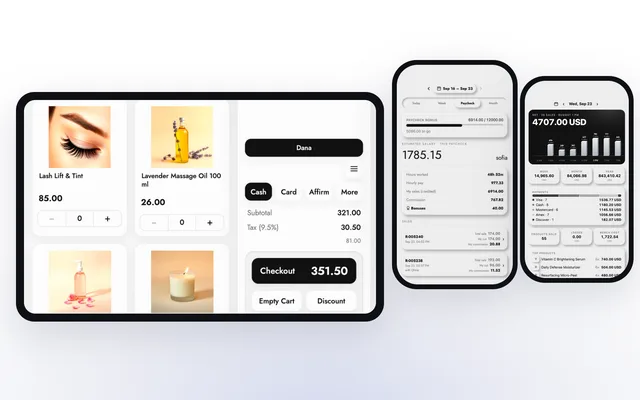
In MazalPOS you set goals and rates, and commission is worked out on every sale. When a goal is reached, the reached rate applies to the whole day. Two or more people on one receipt can split it by percent, and the split always adds up to 100%. Each salesperson sees their sales, hours and commission in the MazalTeam app, and payroll adds up for each pay period, the 1st to the 15th and the 16th to the end of the month. Commission and payroll are on the Growth plan. Before you buy, ask what base the rate is calculated on and how a financed sale changes it, and ask to see a ticket worked out on your own numbers. See staff and payroll and our guide to commission plans.
Can a POS track floor models and warehouse stock?
A POS can track floor models and warehouse stock if every item has its own count in every place it sits. A furniture piece often exists three ways at once: the display on the floor, the boxed one in the warehouse and the one on order. If they share one number, you sell the display by mistake or promise a piece you do not have.
One way to handle it is to set up the floor model as its own product with its own price, so selling the display does not use up the boxed one. Sofas and tables also come in fabrics, finishes and sizes, and each one is a separate count. Ask any vendor to set up one of your real pieces in a demo.
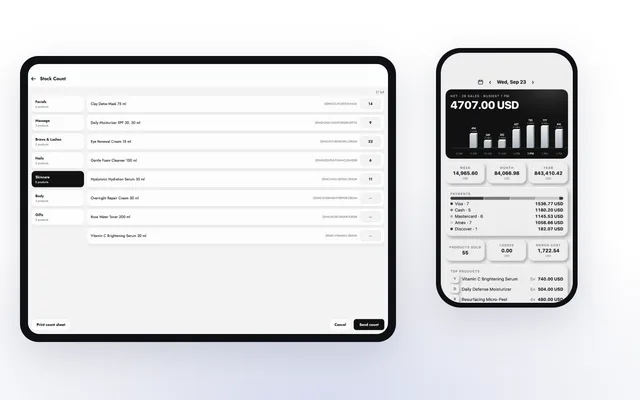
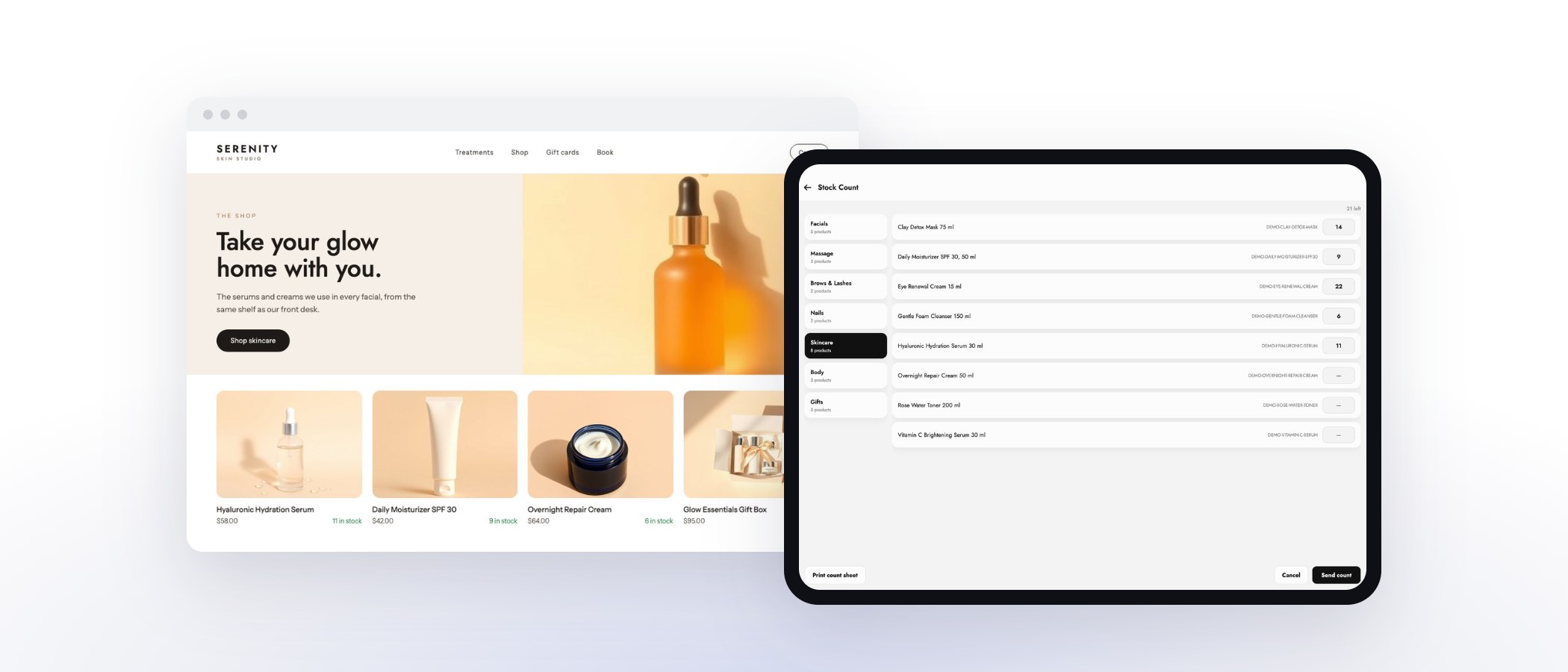
MazalPOS keeps one stock count for the register, the online store and every location. When a product sells at the counter or on your website the count drops at the same moment, transfers between locations take a few taps and update both counts, and low-stock alerts show what is running out. Managers can count stock and log damage from their phone, and you can snap a supplier invoice and the delivery lands in stock line by line. Product reports show best sellers, slow movers and margins, which is how you spot the pieces that sit for months. Serial or lot tracking is not described on the MazalPOS pages, so ask if you need it. See inventory and our guide to counting stock in a store.
How should a furniture store handle returns and restocking?
A furniture store should handle a return by refunding the customer, deciding whether the piece goes back into stock and taking the commission back from the sale, all in one step. Write your policy first, including what you do with opened, assembled or custom-ordered pieces, and post it at the counter and on the website. The guide to a small store return policy walks through the wording.
In MazalPOS you can refund from the register, the manager’s phone or the back office, and the refund lets you choose whether the returned units go back into stock. If a piece is not restocked, its cost stays in your reports as a real loss. Commission on the sale is taken back from every seller in proportion to what is refunded, and it comes off the current paycheck. The MazalPOS pages do not describe a restocking fee setting, so ask how you would record one.
Can one POS run several showrooms and a warehouse?
One POS can run several showrooms and a warehouse if it shares one login, one customer list and one set of reports across them, and still keeps a separate stock count for each place. Otherwise a customer who bought in one showroom is a stranger in the next.
The MazalPOS Growth plan includes more than one location, with one login for all of them and one inventory, customer list and set of reports for store and web. Reports can be filtered by location, and stock moves between locations with a transfer. Each location is billed on its own plan, with no charge for each employee, so ask whether a warehouse that never rings a sale counts as a billed location and try it in the trial the way you would use it. Read what to check in a multi-location retail POS.
What does the FTC require when a furniture order ships late?
When an order placed by phone or online ships late, the FTC’s Mail, Internet, or Telephone Order Merchandise Rule says the seller must offer the buyer a choice: accept the delay or cancel and get a prompt refund. The rule is in 16 CFR Part 435, and it covers orders made by mail, on the Internet or by telephone.
The rule also sets the clock. A seller must have a reasonable basis to ship within the time it states, or within 30 days after receiving a properly completed order if it states none, and 50 days when the buyer applies for credit to pay for it. If you cannot ship in time, you must offer the delay-or-cancel option, with a revised shipping date, before that deadline passes. A prompt refund is generally seven working days.
The rule names mail, Internet and telephone orders, so check separately what your state requires for orders placed in the showroom. This is a summary, not legal advice. In practice, write the promised date where the whole team can see it, such as the due date on the deposit form or in the customer’s notes, which your whole team can read, and look at open special orders every week.
What does a furniture store POS system cost?
A furniture store POS system from MazalPOS costs $99 a month on Essentials or $169 a month on Growth, per location, with no charge for each employee. For any system, ask for card rates, hardware, add-ons and contract length in writing, because the monthly price is rarely the whole bill.
Essentials has the register, inventory, customers, reports, full staff scheduling, the MazalTeam app, and card and cash payments. Growth adds the online store on the same inventory, payroll and commissions, more than one location and priority support, so a furniture store that wants floor commissions, a website or several showrooms needs Growth. Both are month to month with 14 days free and no card. MazalPOS moves your customers, products, staff and sales history from your old system for free, and setup takes one day. See pricing and what a POS system costs.
What should a furniture store test in a free trial?
A furniture store should test one normal week of orders in the free trial, with its own pieces and staff, not the vendor’s demo data. The list below takes one slow afternoon.
- Sell one piece in two fabrics and check that only that count drops, then sell the floor model.
- Take a deposit on a special order with a balance-due date, then take the balance on a later day.
- Ring a ticket for two salespeople, split it, and read each person’s commission.
- Refund one piece without restocking it, and check the stock, the commission and the report.
- Move stock from the warehouse to a showroom with a transfer.
- Write down every fee in the vendor’s own words, and ask what happens to your data if you leave.
The register runs on an iPad or any computer, and it does not ring sales on a phone. The phone app is for staff. You can also compare MazalPOS for retail stores, then start a free trial or book a demo.
Common questions
The one that passes your own tests: a deposit kept on the customer’s balance for special orders, financing on big tickets, a stock count for every piece and place, commission worked out on real tickets and a clean return. Run those tests in a free trial.
Yes. Ring the sale at the agreed total, choose Deposit, add the balance-due date and the customer’s signature, and charge the balance to the customer’s card later.
Yes. Customers can pay over time with Affirm, Klarna, Afterpay, Sunbit, Care Credit or Cherry financing in the store, and with Affirm online, while you are paid up front. The lender decides who is approved.
MazalPOS handles shipping with tracking and in-store pickup. Truck routing and delivery windows are not described on its pages, so ask before you buy if you need them.
MazalPOS is $99 a month on Essentials or $169 a month on Growth, per location, with no charge for each employee. Every plan starts with 14 days free and no card.
Sources
- IRS: Form 8300 and reporting cash payments of over $10,000, read November 26, 2026: the $10,000 cash threshold, related transactions and the 15 day filing window.
- eCFR: 16 CFR Part 435, Mail, Internet, or Telephone Order Merchandise Rule, read November 26, 2026: the 30 day and 50 day shipping periods, the delay-or-cancel offer and prompt refunds.
- BLS OEWS: retail salespersons, furniture and home furnishings retailers (2025), read November 26, 2026: mean hourly wage $19.84 and mean annual wage $41,270.
- BLS OEWS: retail salespersons, all industries (2025), read November 26, 2026: mean hourly wage $17.94 and mean annual wage $37,310.

Written by Mike Akop, founder of MazalPOS. We build and support the register, online store and staff app that stores from Las Vegas to Honolulu run on. Questions about this guide? Talk to a real person.