On this page
- Do all my stores need to share one stock count?
- How do I move stock from one store to another?
- Can I see every store together and one store at a time?
- Does each store need its own register and internet?
- How do I schedule and track staff across stores?
- How do I pay commission and run payroll for more than one store?
- Will my customers be the same at every store?
- How much does a multi-location POS cost?
- Can I move all my stores to a new POS without losing data?
- Questions to ask before you buy
Key takeaways
- Every store, and the website, should read one stock count.
- Moving stock between stores should be a recorded transfer: sent, in transit, received.
- You should see all stores together and each store alone.
- Each store should keep selling when its own internet drops.
- MazalPOS bills each store as its own location: $99 or $169 a month, no charge for each employee.
A multi-location retail store needs a POS that keeps one stock count across every store and the website, moves stock between stores with a record, shows sales for all stores together and for each store alone, and charges a clear price per store. The risk with a second store is two systems that disagree, so check how the count, the reports and the staff app behave before you buy.
Do all my stores need to share one stock count?
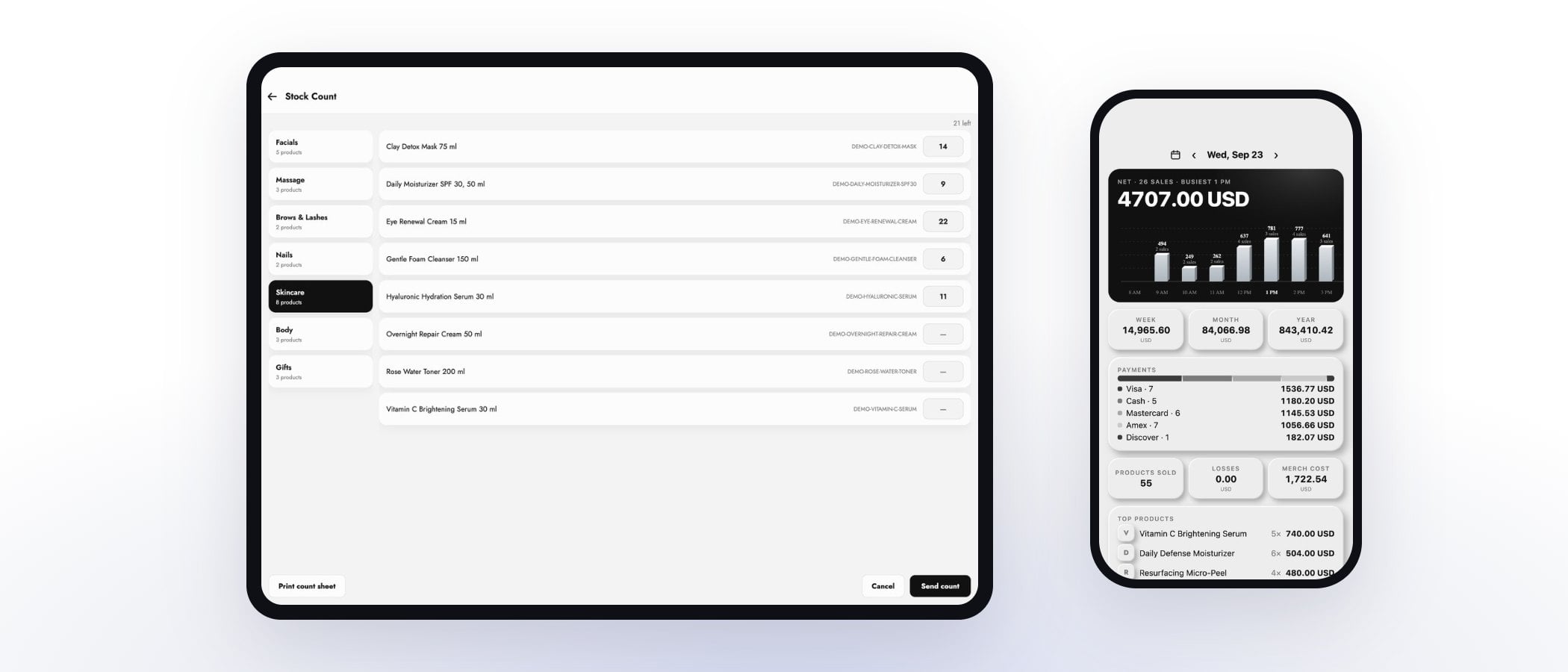
Yes, every store should read the same stock count, or you will sell the same item twice and reorder what you already own. In MazalPOS, stock lives in one inventory that the register, the online store and every location read from. When a unit sells at one store, its count drops, and low-stock alerts tell you what to reorder.
How do I move stock from one store to another?
You move stock with a transfer: choose the items and quantities, send them, and confirm they arrived. In MazalPOS a transfer starts as a draft, the sending store's count drops when it is sent, and the receiving store's count goes up when it is received. In between the items are in transit, so neither store can sell them. Read what a stock transfer is for the plain-words version.
Can I see every store together and one store at a time?
Yes. In the MazalPOS back office the Dashboard, Orders, Customers and reports open on "All locations", and you can switch to a single store with one tap. The totals for all locations are the exact sum of the stores, so the owner sees the whole business and a store manager can look at their own numbers. See reports for the full list.
Does each store need its own register and internet?
Each store runs the register on its own iPad or on any computer, and the register is offline-first. If one store loses its connection, that store keeps selling and every sale syncs when the signal is back. Nothing at the other stores slows down, and nobody writes card numbers on a notepad.
How do I schedule and track staff across stores?
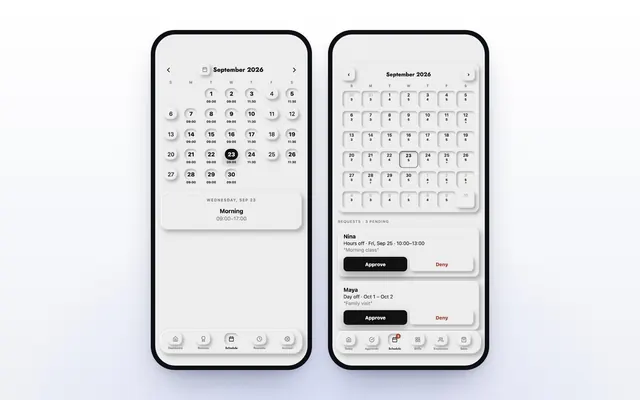
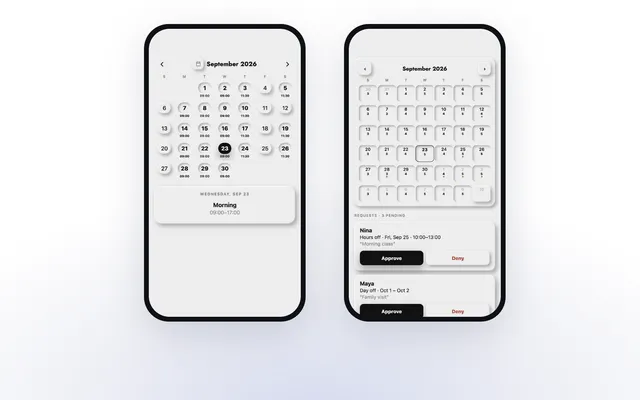
Each employee sees their shifts in the MazalTeam app, clocks in from the app or the register, and asks for days off on their phone. The manager approves or declines from theirs, even when standing in a different store. Our guide to staff schedules and time-off requests shows how it works day to day.
How do I pay commission and run payroll for more than one store?
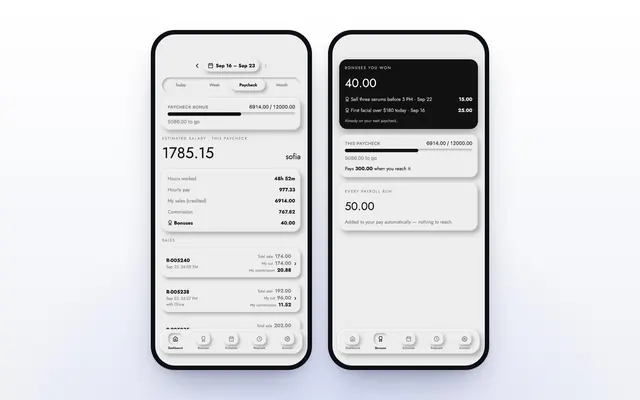
On the Growth plan, MazalPOS works out commission on every sale with the goals and rates you set, and when an employee reaches a goal, the rate reached applies to their whole day. Payroll adds itself up for each pay period, the 1st to the 15th and the 16th to the end of the month, with hours, sales and commission side by side. See staff and payroll.
Will my customers be the same at every store?
Each customer has one profile with purchase history, invoices, balance and notes, so a regular who shops at your second store is not a stranger there. If a client pays a deposit or holds a balance, it is applied wherever they come back to pay. See customers.
How much does a multi-location POS cost?
MazalPOS is priced per location, with no charge for each employee, and each store is billed as its own location. Essentials is $99 a month per location: the register on iPad or any computer, inventory, customers, reports, full staff scheduling, the MazalTeam app, and card and cash payments. Growth is $169 a month per location: everything in Essentials plus the online store connected to the register, payroll and commissions, and more than one location under one login. Every plan starts with 14 days free, no card, month to month. See pricing, or read how much a POS system costs.
Can I move all my stores to a new POS without losing data?
Yes. We move your customers, products, staff, sales history, hours and payroll from your old POS for free, and set-up takes one day. Ask any vendor to show your own stores' numbers after the move, store by store, before you cancel the old system. Our guide to switching POS systems without losing data lists the checks.
Questions to ask before you buy
- Does every store read the same stock count, including the website?
- Can I move stock between stores in a few taps, with a record?
- Can I see all stores together and each store on its own?
- Does each store keep selling if its internet drops?
- Can staff see shifts and ask for time off on their phone?
- Is commission worked out for me, across stores?
- Is each store billed as its own location, and is there a charge per employee?
- Will you move my data from all my stores for free?
Common questions
One that keeps a single stock count across every store and your website, records transfers between stores, reports on all stores together and each alone, and bills a clear price per store. MazalPOS does all of it, from $99 per location a month.
Yes. On the Growth plan, $169 per location a month, MazalPOS runs more than one location under one login.
Create a transfer, send it, and confirm it when it arrives. The sending store's count drops when it is sent and the receiving store's count goes up when it is received.
Yes. Each store is its own location, $99 or $169 a month, with no charge for each employee.

Written by Mike Akop, founder of MazalPOS. We build and support the register, online store and staff app that stores from Las Vegas to Honolulu run on. Questions about this guide? Talk to a real person.