On this page
Key takeaways
- A schedule in a group chat gets buried; a schedule in an app does not.
- Every employee should see their own shifts on their phone.
- Time-off requests belong in the app, where the manager can approve them.
- Clock-ins from the app or the register feed hours straight into payroll.
In most small businesses the schedule lives in three places: a photo of a whiteboard, a group chat, and the manager’s memory. Requests for days off arrive as texts at 11 pm. Somebody always misses a change. Moving the schedule into the same app your team already uses for their hours fixes most of it.
Why does the group chat schedule fail?
Messages scroll away. A change posted on Tuesday is buried by Thursday. Nobody knows which version is current, and a day-off request in a chat is easy to agree to and forget.
Put the schedule in every employee’s pocket
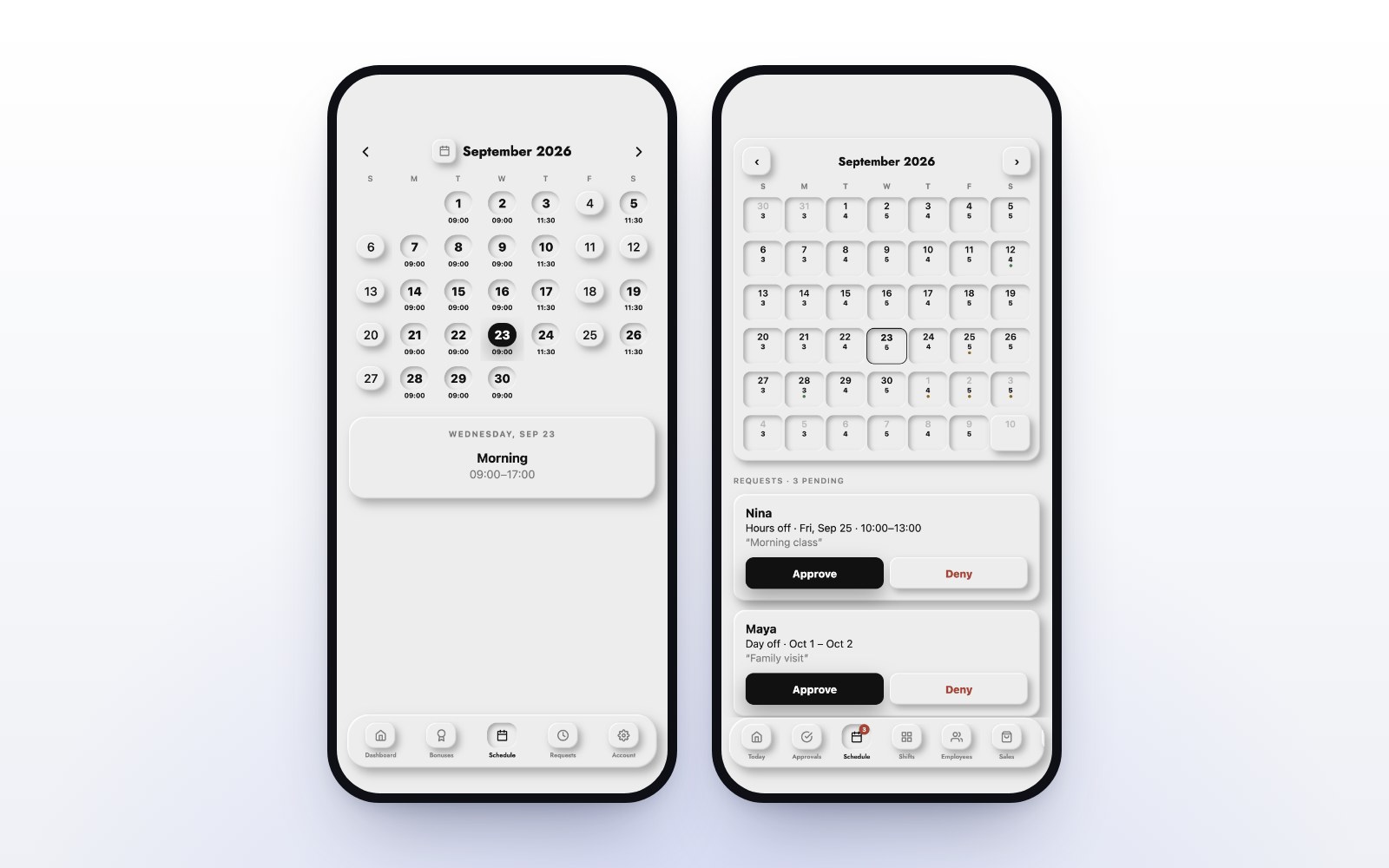
When the schedule lives in the MazalPOS staff app, every employee sees their own shifts on their phone, always the current version. Nobody has to ask what time they start tomorrow.
Let employees request days off in the app
An employee who needs a day off asks for it in the app. The request goes to the manager instead of a chat thread, with the date attached. There is a record of what was asked and when.
Approve from your phone
The manager sees the request on their phone and approves it. No need to be at the store or at a computer. The employee sees the answer in their app.
Hours that flow into payroll
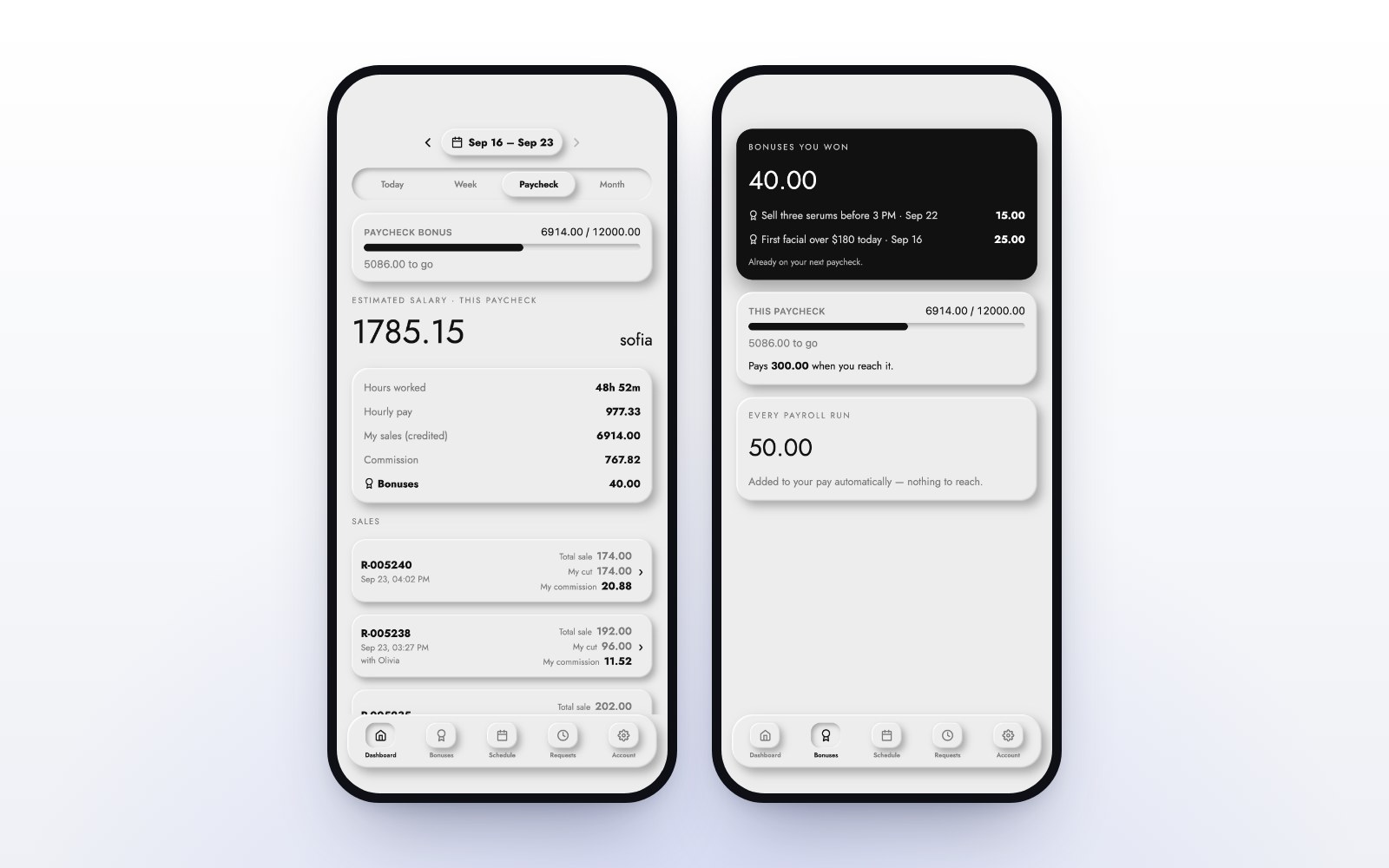
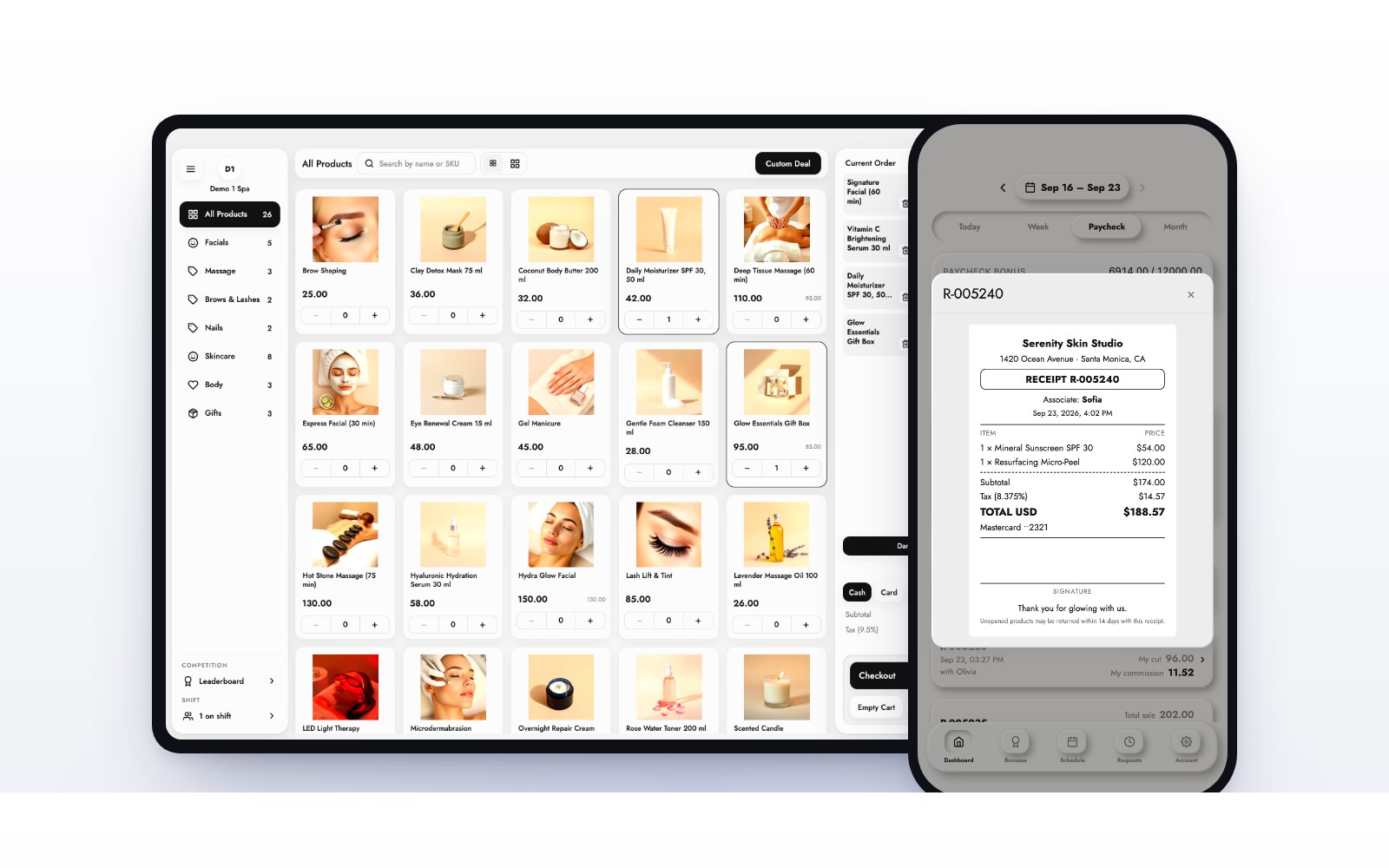
Staff clock in and out from the app or the register. Those hours count toward the pay period automatically, the 1st to the 15th and the 16th to month end, next to each employee’s sales and commission. See how commissions are calculated.
Tips for a calmer schedule
- Publish the schedule in one place only, and make it the app.
- Ask for time-off requests in the app, never by text.
- Answer requests quickly so the team can plan.
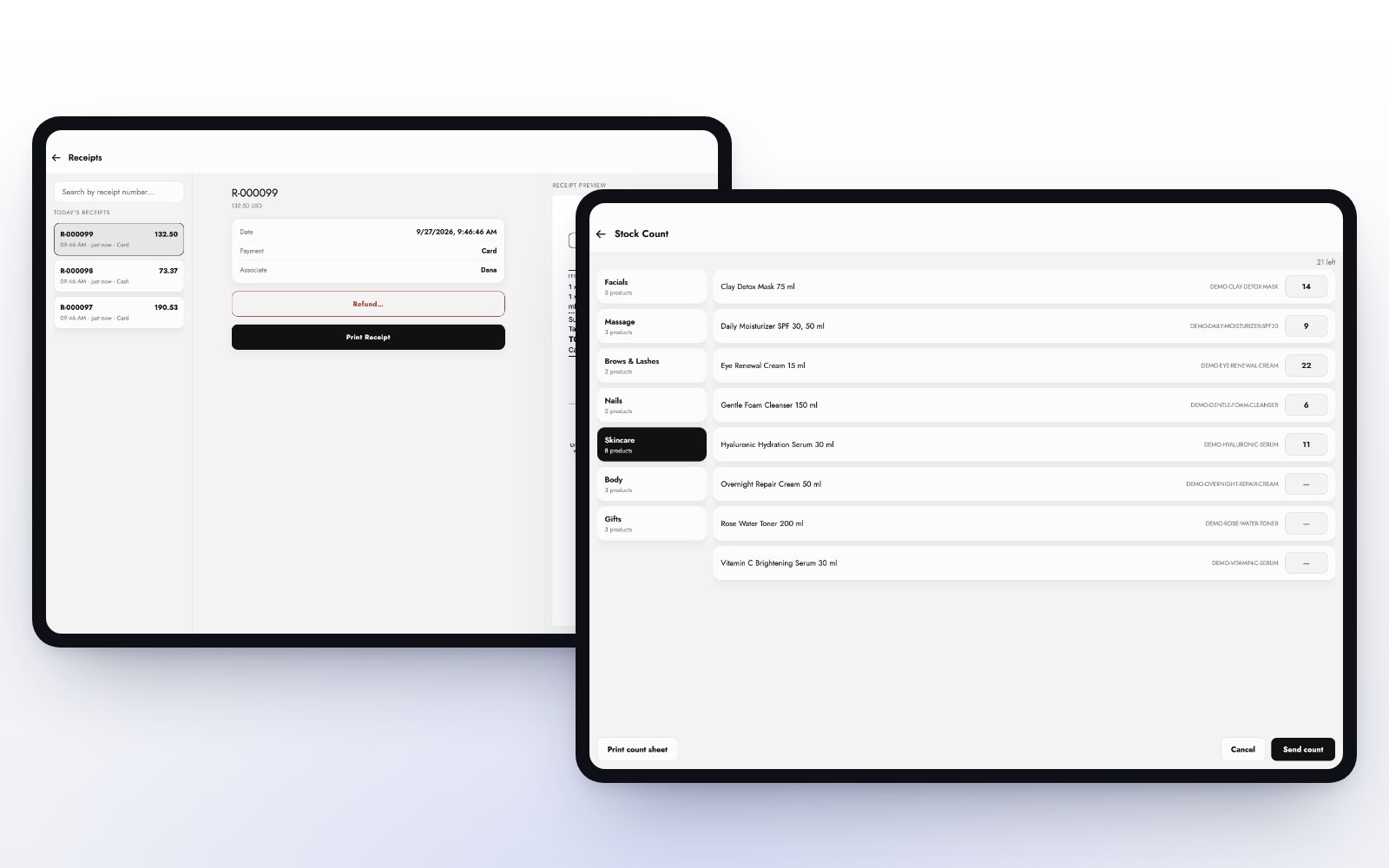
- Use the register’s staff reports to see who works which hours.
Built for salons and day spas, barbershops and wellness studios. See plans and pricing and try it free for 14 days.
Common questions
Yes. Every employee sees their shifts in the MazalPOS staff app.
They ask for it in the staff app. The request goes to the manager, who approves it from their phone.
Yes. Clock-ins from the app or the register count toward the current pay period automatically.

Written by the MazalPOS team. We build and support the register, online store and staff app that stores from Las Vegas to Honolulu run on. Questions about this guide? Talk to a real person.