On this page
Key takeaways
- Six things have to move: customers, products, staff, sales history, hours and payroll.
- Export everything before you cancel your old system, not after.
- Check the moved numbers against the old system before you go live.
- Customer balances and deposits must arrive exactly, to the cent.
- With a provider that does the move for you, going live takes one day.
Most stores stay on a register they dislike for one reason: they are afraid of losing their data. Years of customers, a catalog that took months to build, and every sale they ever rang up. That fear is reasonable. It is also solvable, if the move is planned in the right order.
What data has to move?
Six things carry your business. Leave any of them behind and you will feel it within a week.
- Customers: names, contact details, purchase history, notes, and any balance or deposit they hold.
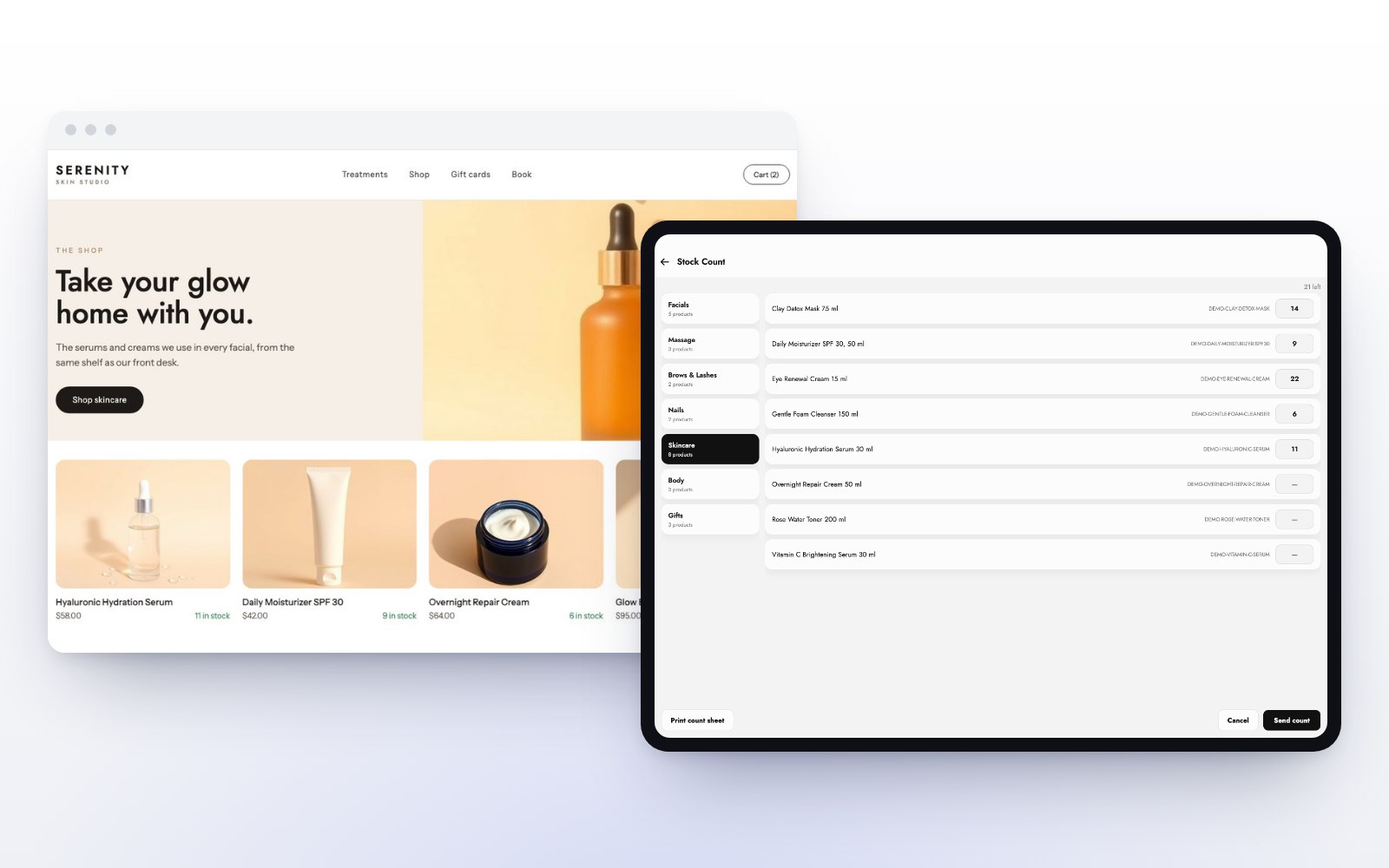
- Products: names, prices, costs, SKUs and current stock counts.
- Staff: every employee, their role, and their commission rates.
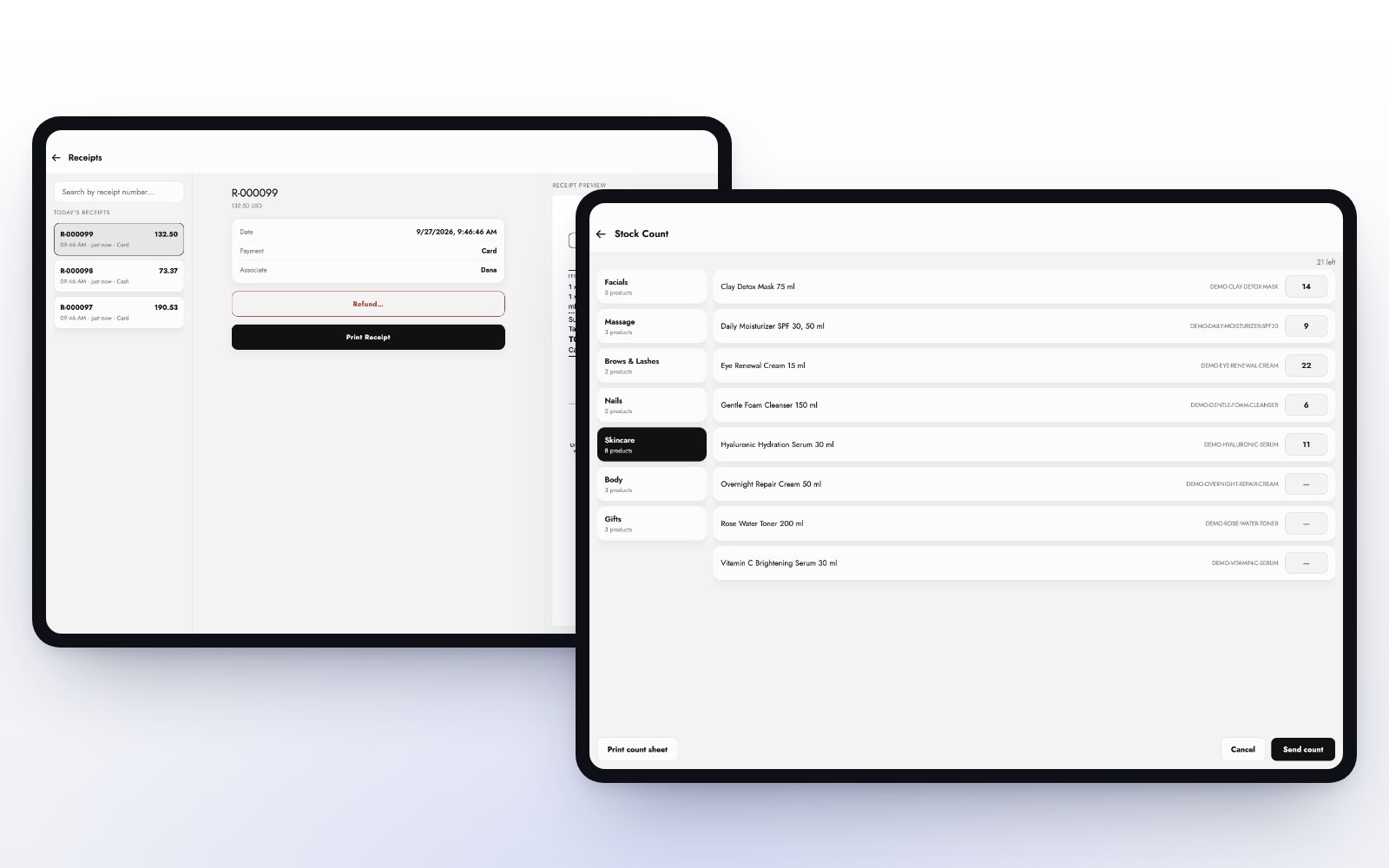
- Sales history: so your reports and your year-over-year comparisons still work.
- Hours: clock-ins for the current pay period.
- Payroll: what has been earned and paid so far.
When MazalPOS moves your store, all six come with you, free on every plan.
Export before you cancel
Many systems shut off access, or the export screen, the day the subscription ends. Before you give notice, export every report your old system offers, even ones you do not think you need. A copy you never open costs nothing. A copy you cannot get back can cost you a customer’s balance.
Check the numbers before you go live
A data move is only as good as the check that follows it. Pick a handful of things you know by heart and compare them in both systems:
- Your five best customers and their balances.
- The stock count of your ten best sellers.
- Last month’s total sales.
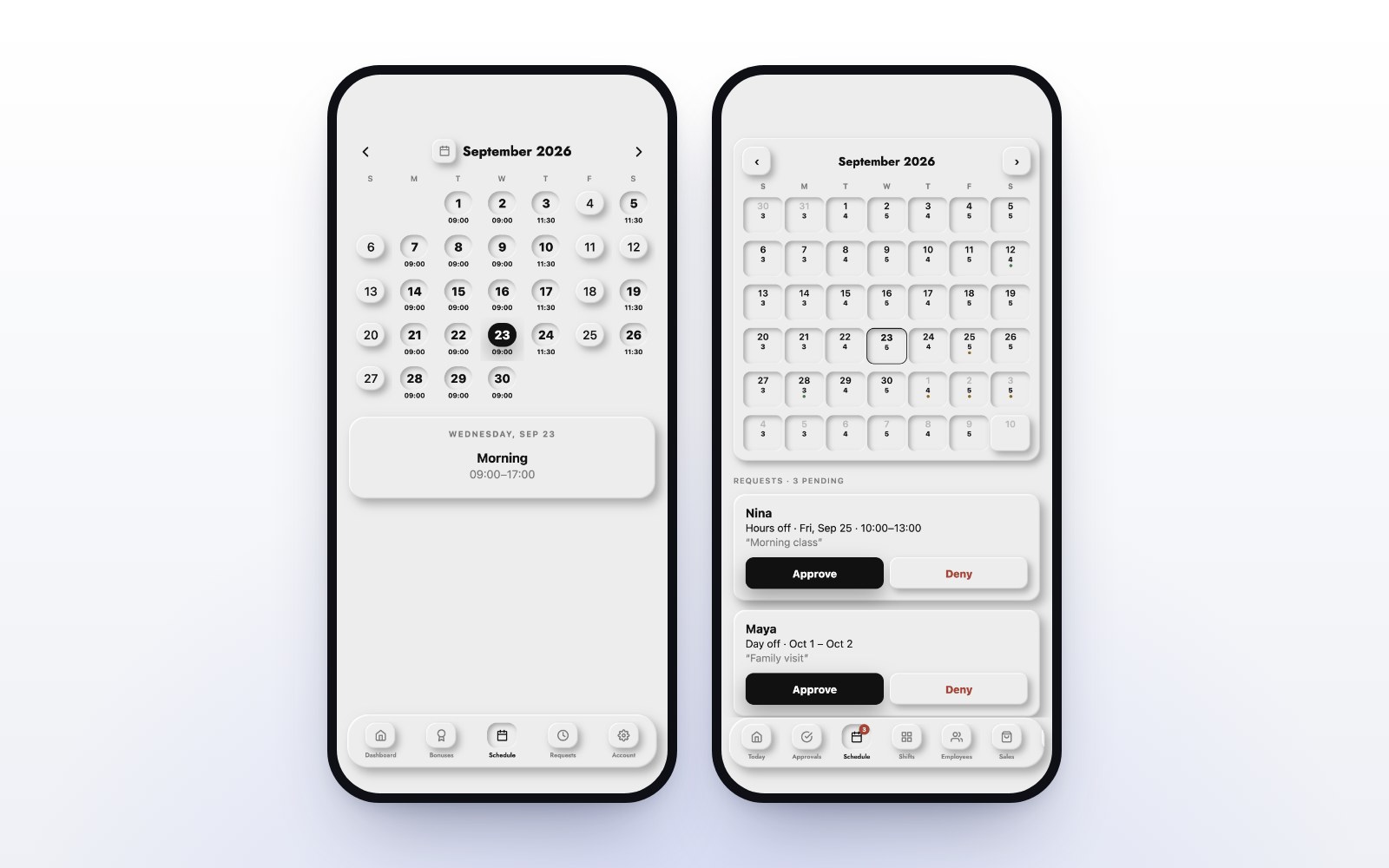
- Each employee’s hours for the current pay period.
Our move works in three steps: we pull your data, we check it with you, and you open the doors. Nothing goes live until the numbers match.
Balances and deposits come over to the cent
Customer balances are money your business owes. A rounding error on a deposit is a conversation at the counter you do not want to have. Ask your new provider how balances are moved and checked, and make it the first thing you verify. In MazalPOS, balances stay on the customer’s profile and apply at checkout.
Pick the right day
Switch at the end of a business day and a pay period if you can. A clean cut-off makes your reports and payroll easy to reconcile. With MazalPOS you can be set up in one day, or we do it for you, so the store can close on the old system and open on the new one the next morning.
Train the team in minutes, not days
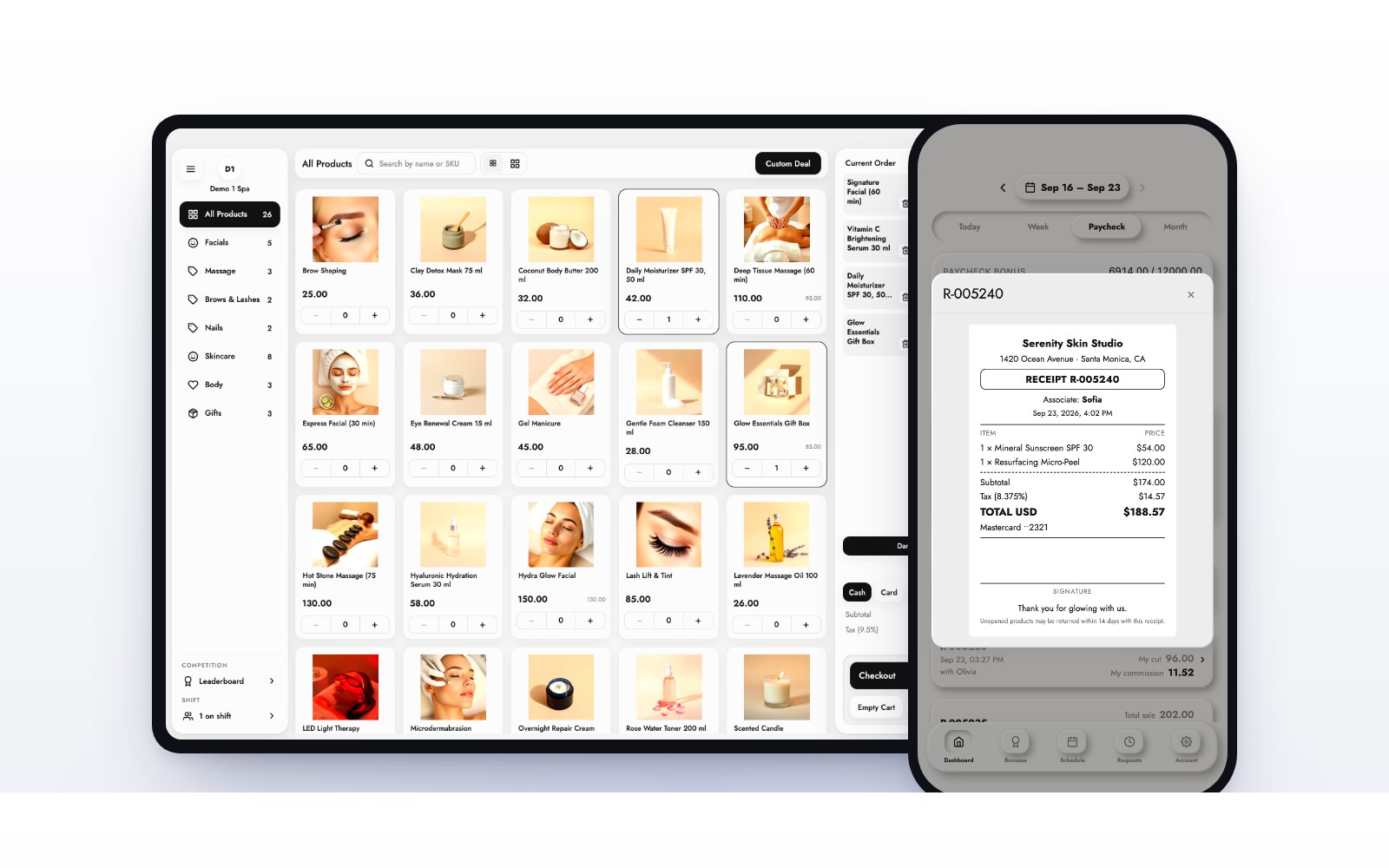
A new register is only hard if it is complicated. Staff should be able to ring up a sale after watching one. The MazalPOS register is a sale in a couple of taps, and every employee gets their own phone app for hours, sales and commission.
Switching checklist
- Export every report from your old system.
- Send the export to your new provider, or let them pull it.
- Check customers, balances, stock, sales and hours side by side.
- Set up the register on your iPad or computer.
- Close on the old system, open on the new one.
- Cancel the old subscription once the first week is clean.
How MazalPOS handles the move
Our team moves your customers, products, staff, sales history, hours and payroll for you, free on every plan, while you keep selling. You go live in one day, like you never left. See plans and pricing or book a demo and we will walk through your data with you.
Common questions
With MazalPOS you are set up in one day, or we do it for you. Our team moves your data while you keep selling.
Not if it is moved. MazalPOS brings your customers, products, staff, sales history, hours and payroll with you, so your reports keep working.
Nothing. The data move is free on every plan.
Export every report it offers first. Many systems remove access to your data when the subscription ends.

Written by the MazalPOS team. We build and support the register, online store and staff app that stores from Las Vegas to Honolulu run on. Questions about this guide? Talk to a real person.