On this page
Key takeaways
- Two inventories drift apart, and the gap shows up as oversold orders.
- One inventory means the website and the register draw down the same number, live.
- Shipping and in-store pickup should land in one order list.
- Transfers and low-stock alerts keep every location stocked.
- Web orders belong on the same dashboard as counter sales.
A customer buys the last bottle of a serum on your website at 2:14 pm. At 2:15 pm someone sells the same bottle at the counter. One of them is getting an apology email. This happens whenever a store runs its website and its register on two separate stock counts.
Why do two inventories break?
Most store websites and registers come from different companies. They “sync” on a schedule, through an app in the middle, or by someone typing numbers in. Every gap between syncs is a window for overselling, and every failed sync makes the gap permanent until someone counts the shelf.
What does one inventory actually mean?
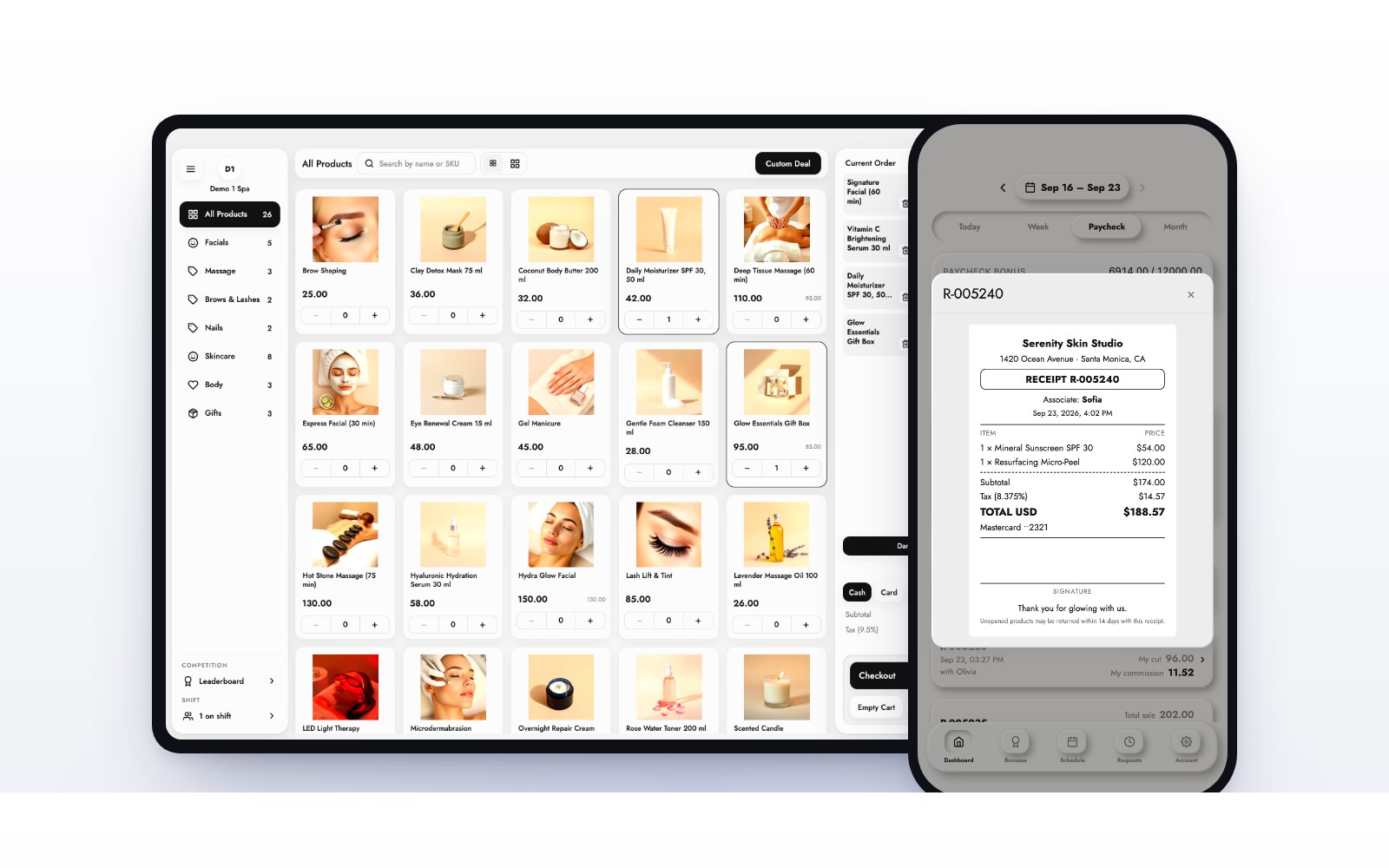
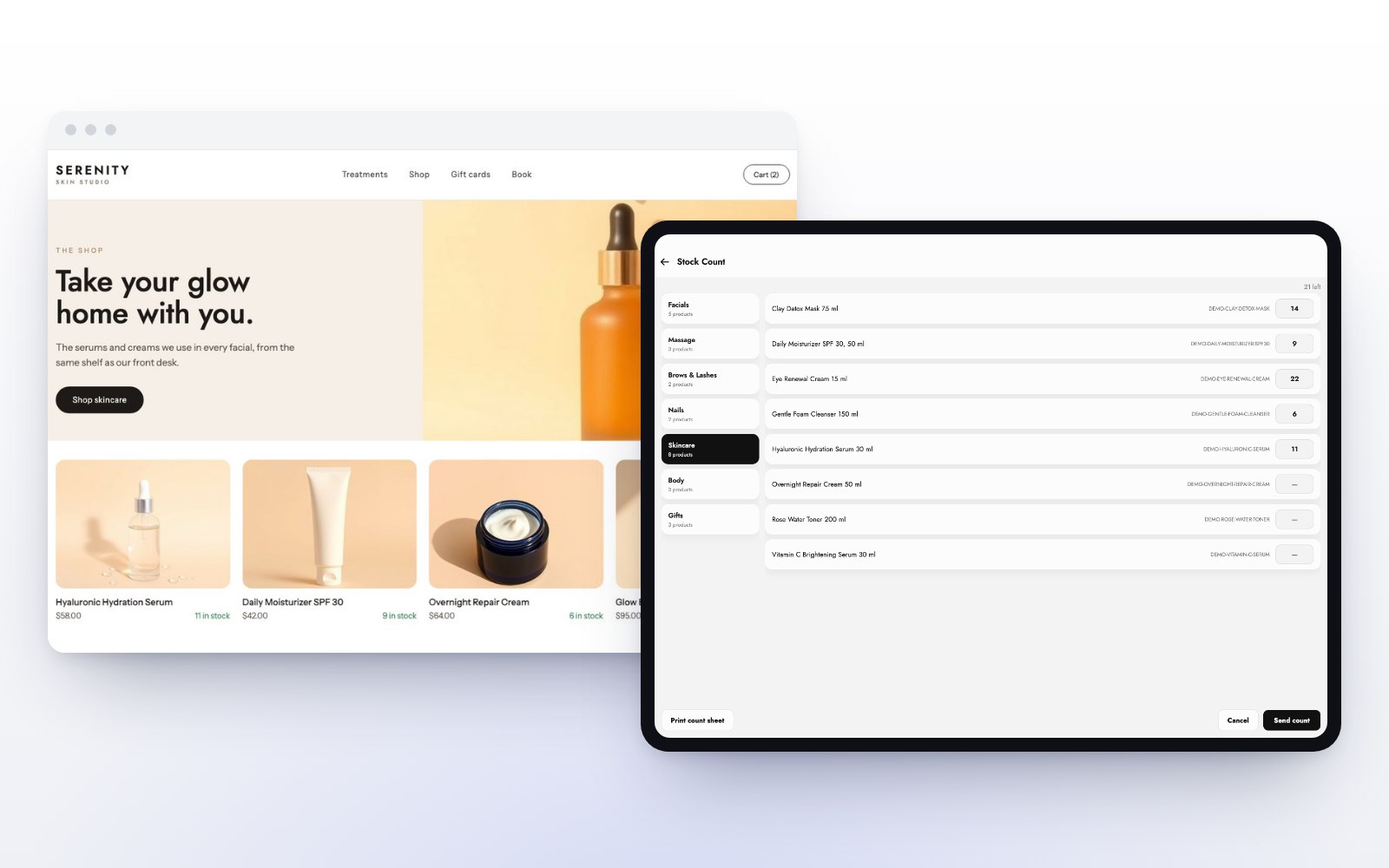
It means there is one number. Not two numbers kept close together. When a product sells online, the count the register shows drops at the same moment, and the other way around. In MazalPOS the online store runs on the same catalog and the same stock count as your register, live, across every location.
Shipping or pickup, one order list
Customers want to choose. Some want the order at their door, some want to pick it up on the way home. Both should show up in one list your team works from, not two inboxes. With MazalPOS, customers choose shipping or in-store pickup at checkout and both land in the same order list.
Transfers and low stock across locations
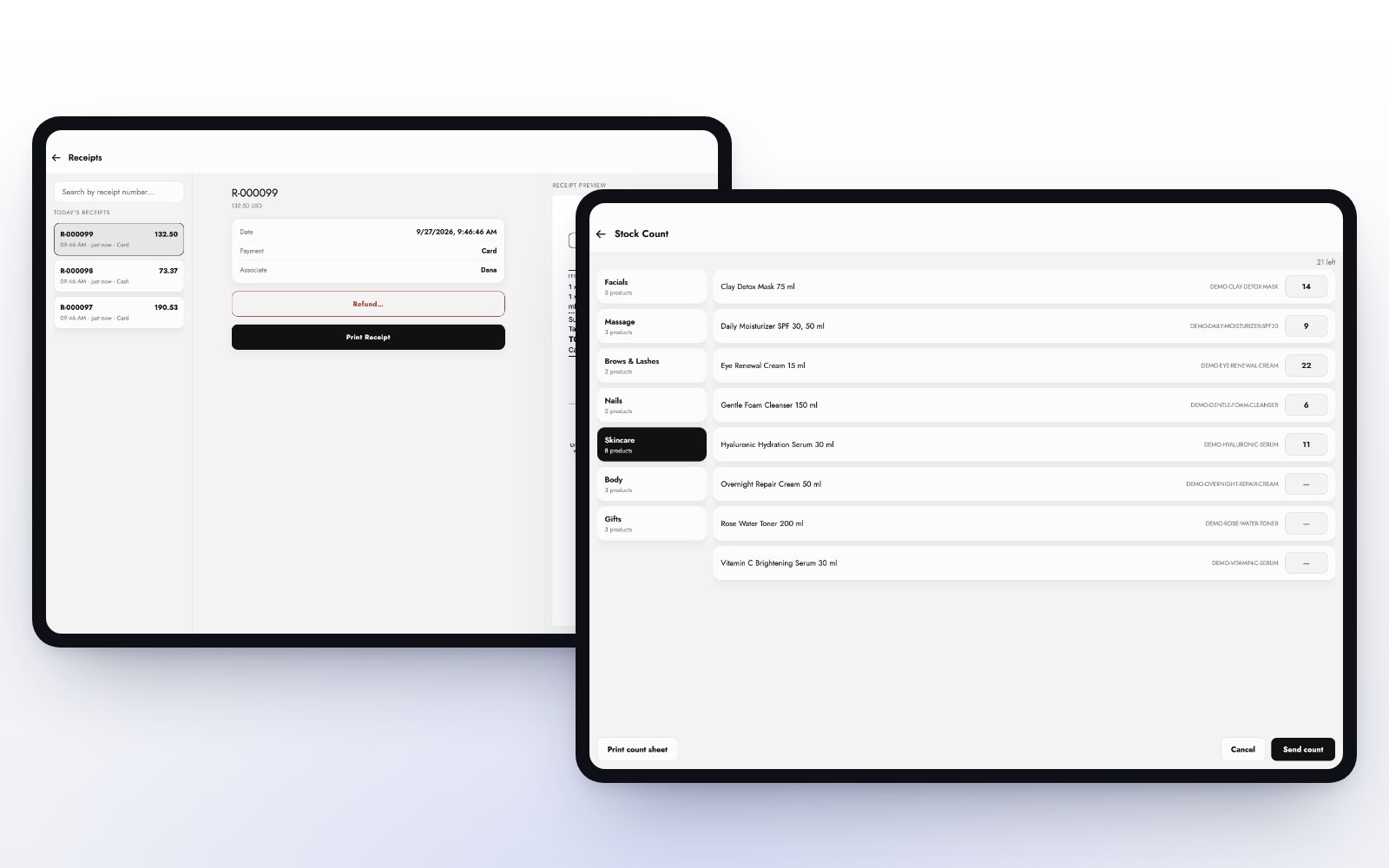
With more than one store, the question is never only “do we have it”, it is “where”. Move stock between locations in a few taps and both counts update. Low-stock alerts tell you what is running out before a customer asks for it.
See web orders next to counter sales
If your website sales live in one dashboard and your store sales in another, you never see the whole business at once. MazalPOS puts web orders next to counter sales on your dashboard and in every report, so your best sellers and your margins reflect every channel.
Who needs one inventory most?
- Beauty and cosmetics stores with a fast-moving shelf and an online following.
- Boutiques, where every size and color is its own count.
- Electronics stores, where a single oversold device is an expensive refund.
How to get there
- Clean up your catalog: one product, one SKU, one price.
- Count your shelf once, so the starting number is right.
- Move to a system where the website and the register share the count.
- Turn on low-stock alerts for your best sellers.
The MazalPOS online store is part of the Growth plan, $169 per location per month, and we move your products and stock for free.
Common questions
Sell from one inventory instead of syncing two. When the website and the register draw down the same number, a product cannot be sold twice.
Yes. MazalPOS customers choose shipping or in-store pickup at checkout, and both land in one order list.
The online store on the same inventory is included in the Growth plan, $169 per location per month, or $141 billed yearly.

Written by the MazalPOS team. We build and support the register, online store and staff app that stores from Las Vegas to Honolulu run on. Questions about this guide? Talk to a real person.