On this page
Key takeaways
- Financing lets customers pay over time for large purchases.
- Affirm is a pay-over-time lender; Purchasing Power lets eligible employees pay through payroll deduction.
- At the counter, a pay link lets the customer apply on their own phone.
- Deposits can hold a purchase while financing is arranged.
A treatment package, a new laptop or a watch is a big number to put on a card in one go. When a customer hesitates at the total, the sale often walks out the door. Financing at checkout gives them a way to say yes today and pay over time.
How does financing at checkout work?
The customer chooses a financing option at checkout and applies in a few steps. If they are approved, the purchase is paid by the financing provider and the customer pays the provider back over time, under the provider’s terms. Your store does not carry the loan or chase payments.
Affirm
Affirm is a pay-over-time option. Customers apply at checkout, see their terms before they agree, and pay in installments. It works well for purchases large enough that spreading the cost changes the decision.
Purchasing Power
Purchasing Power is a purchase program offered through employers. Eligible employees buy now and pay through deductions from their paycheck. For many customers it is a way to buy without a credit check.
Offering financing in the store
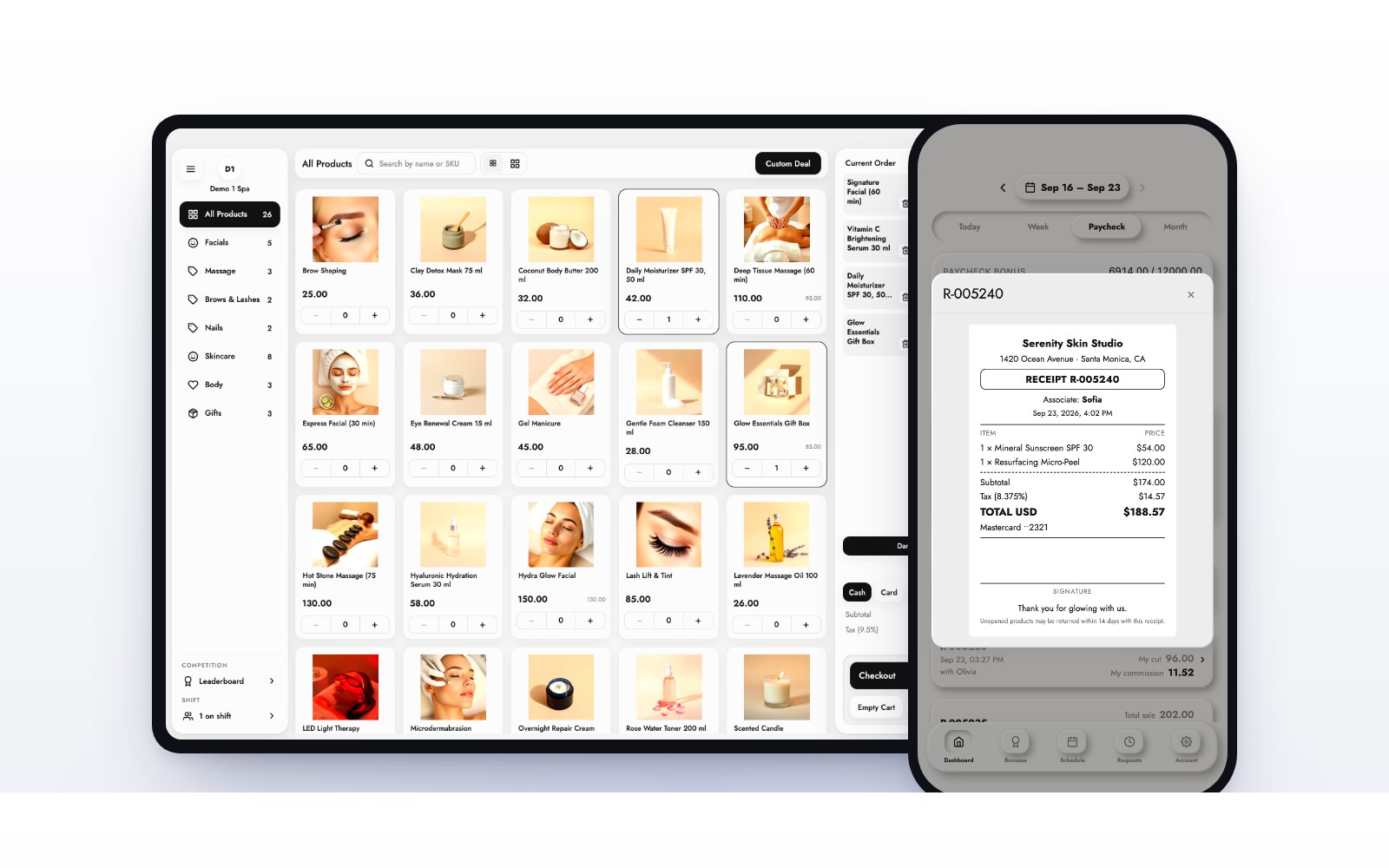
At the counter, the easiest route is a pay link. The register sends the customer a secure link by text or email, and they complete the application on their own phone while they stand at the desk. Nothing personal is typed into your register. MazalPOS includes pay links, Affirm and Purchasing Power alongside cards and cash.
Offering financing online
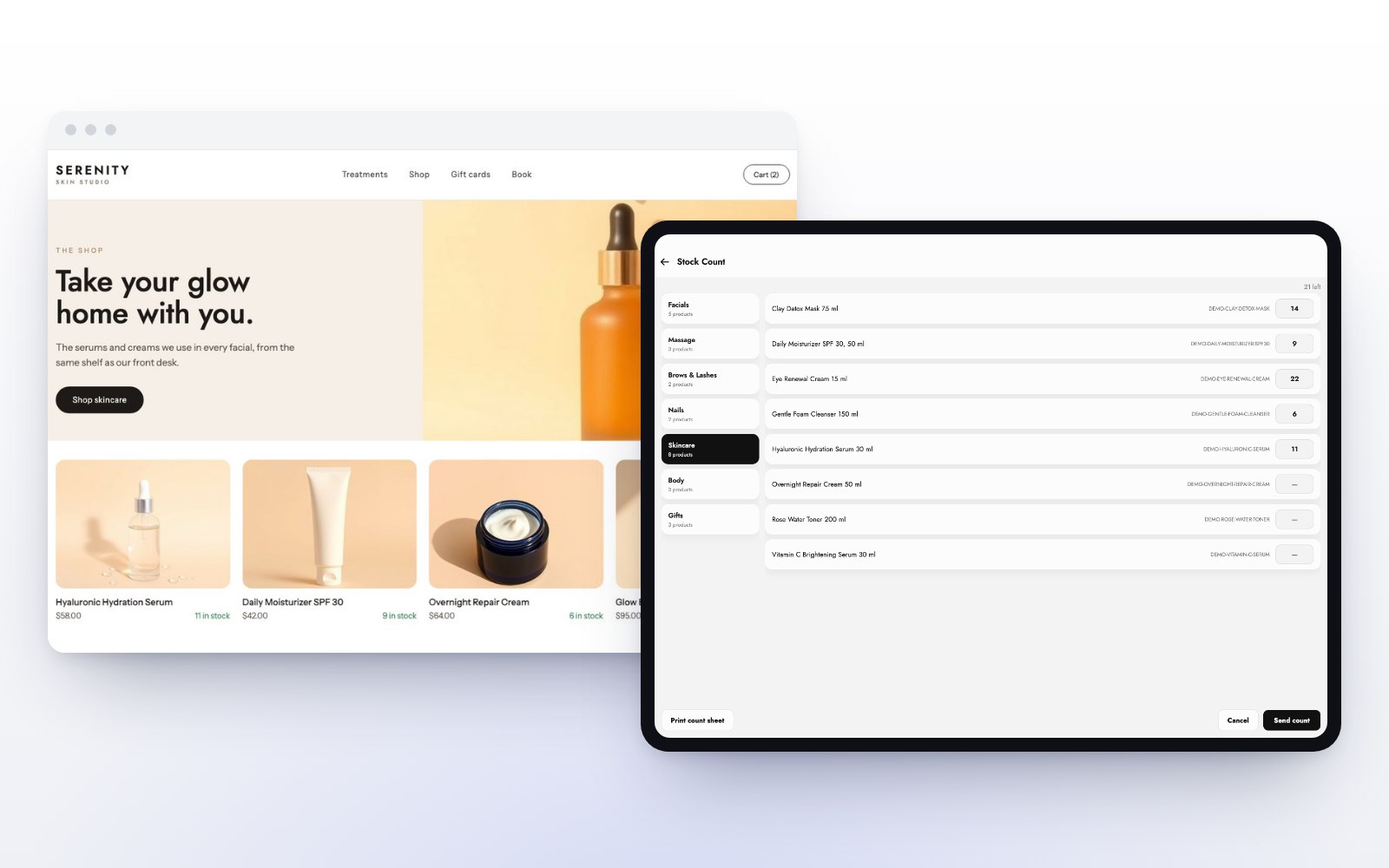
On your website, financing appears as a payment option at checkout. Because the MazalPOS online store shares the register’s inventory, a financed order online draws down the same stock as a sale at the counter.
Deposits and financing together
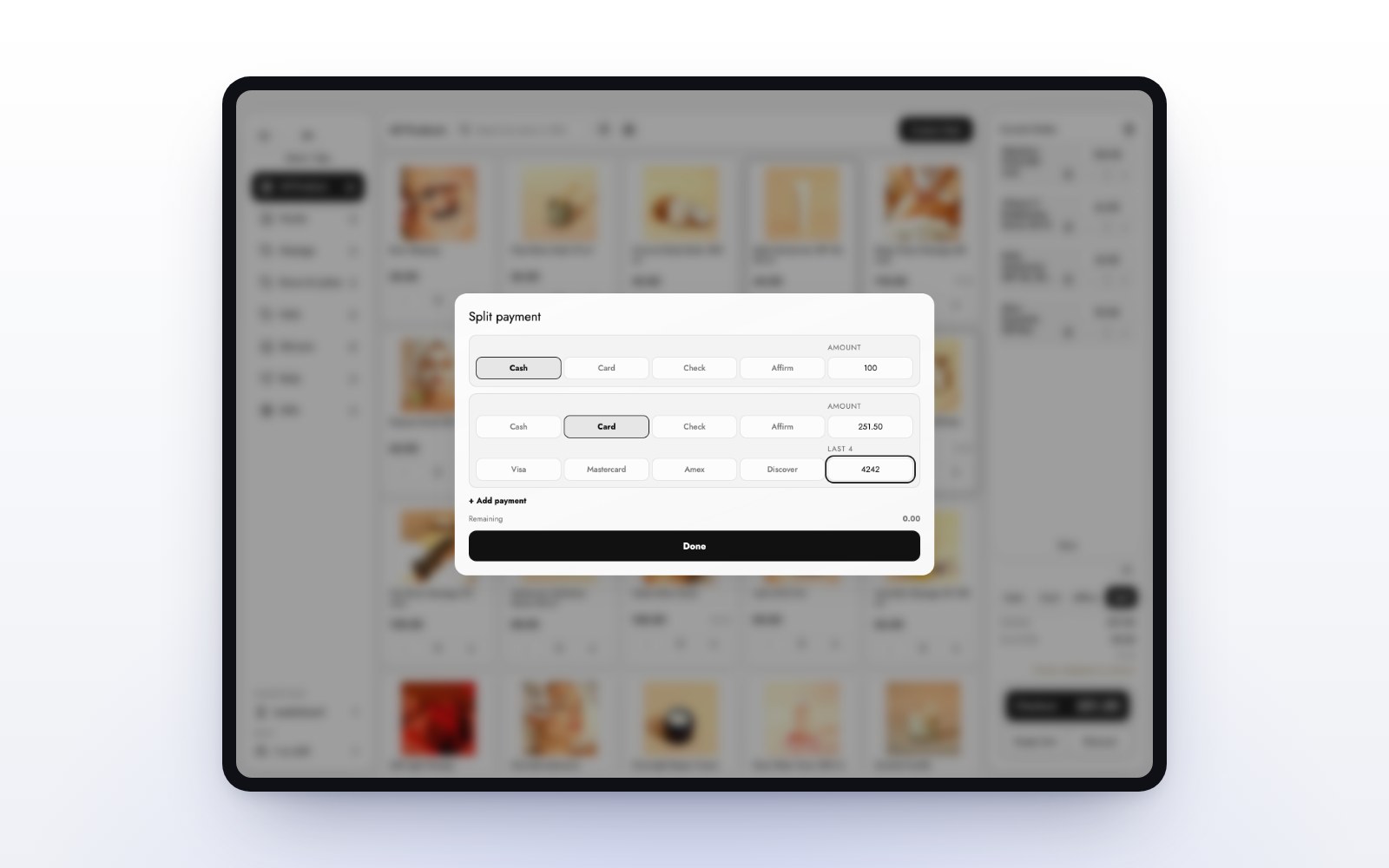
Some customers want to hold an item or a treatment series before they finish paying. Take a deposit, keep it on the customer’s balance, and apply it at checkout. The rest can be financed.
Which businesses benefit most?
- Med spas selling treatment packages.
- Electronics stores selling devices and bundles.
- Jewelry and watch stores with high-ticket pieces.
Tips for offering it well
- Mention financing before the total, not after the customer hesitates.
- Train the team to send the pay link, not to explain lending terms.
- Let the provider show the terms; never promise a rate yourself.
Affirm and Purchasing Power financing are included in the MazalPOS Growth plan. See pricing, or read how to choose a POS for a med spa.
Common questions
Yes. With MazalPOS you can send the customer a pay link at the counter and they complete Affirm on their own phone. It also appears at checkout on your online store.
Purchasing Power is a purchase program offered through employers. Eligible employees buy now and pay through payroll deductions.
No. The financing provider approves the customer and the customer repays the provider under its terms.
Affirm and Purchasing Power financing are included in the Growth plan.

Written by the MazalPOS team. We build and support the register, online store and staff app that stores from Las Vegas to Honolulu run on. Questions about this guide? Talk to a real person.