On this page
- Can it ring up treatments and retail on one ticket?
- Do deposits stay on the client’s balance?
- Will provider commissions calculate themselves?
- Does your website sell from the same inventory?
- Will it keep selling when the Wi-Fi drops?
- Can clients pay over time?
- Questions to ask before you sign
- Signs to walk away
- How MazalPOS handles a med spa
- Common questions
Key takeaways
- A med spa POS has to ring up treatments and retail on one ticket, not two systems.
- Deposits should sit on the client’s balance and apply at checkout automatically.
- Provider commissions should calculate themselves and be visible to each provider.
- Your website and your counter should sell from one inventory count.
- The register must keep selling when the Wi-Fi drops.
A med spa sells two very different things across the same counter: treatments that take an hour of a provider’s time, and skincare that walks out in a bag. Most point of sale systems were built for one or the other. The right one handles both on a single ticket, keeps your deposits straight, and pays your providers without a spreadsheet.
The checks below are ordered by how much trouble they save you once the system is live.
Can it ring up treatments and retail on one ticket?
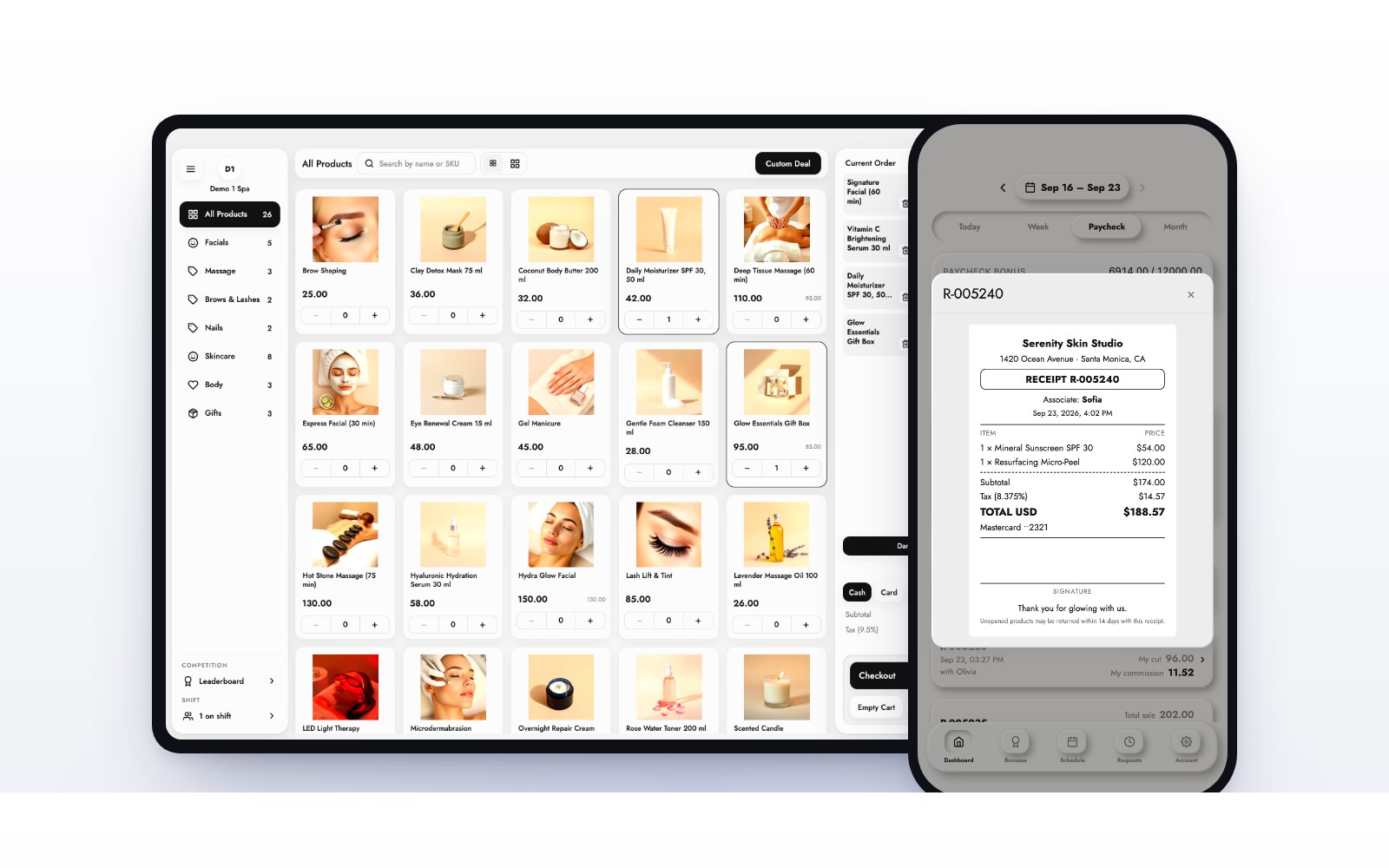
A client finishes a facial and buys the serum her provider recommended. That is one visit and it should be one receipt. If your register makes you run the treatment in one place and the product in another, your daily totals will never match and your client gets two charges for one visit.
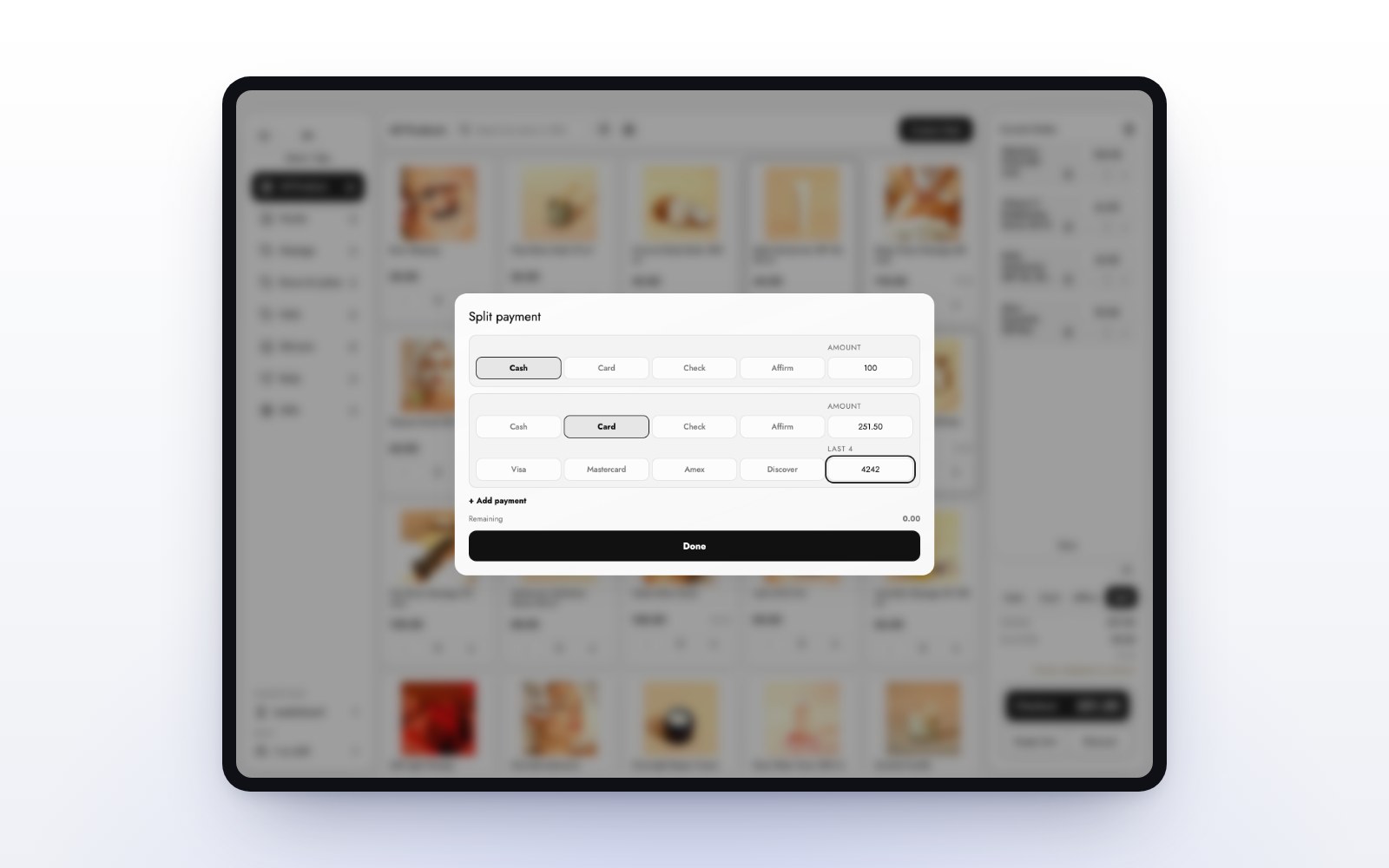
Ask to see a mixed ticket in the demo: one treatment, two products, a deposit applied, and a single payment at the end. On the MazalPOS register that is a couple of taps on an iPad or any computer.
Do deposits stay on the client’s balance?
Deposits are where med spas lose the most money quietly. A client pays $50 to hold a spot, and three weeks later nobody remembers it at checkout. The deposit should live on the client’s profile as a balance and come off the total when they check out, without anyone looking it up.
Ask where a deposit shows up after it is taken, and what happens if the client changes the date. The answer should be: on their profile, until it is used. That is how deposits work in MazalPOS, alongside cards, cash, pay links and financing.
Will provider commissions calculate themselves?
Providers care about one number: what they earned today. If that number lives in a spreadsheet the manager fills in on Sunday night, you will spend every pay period answering questions about it.
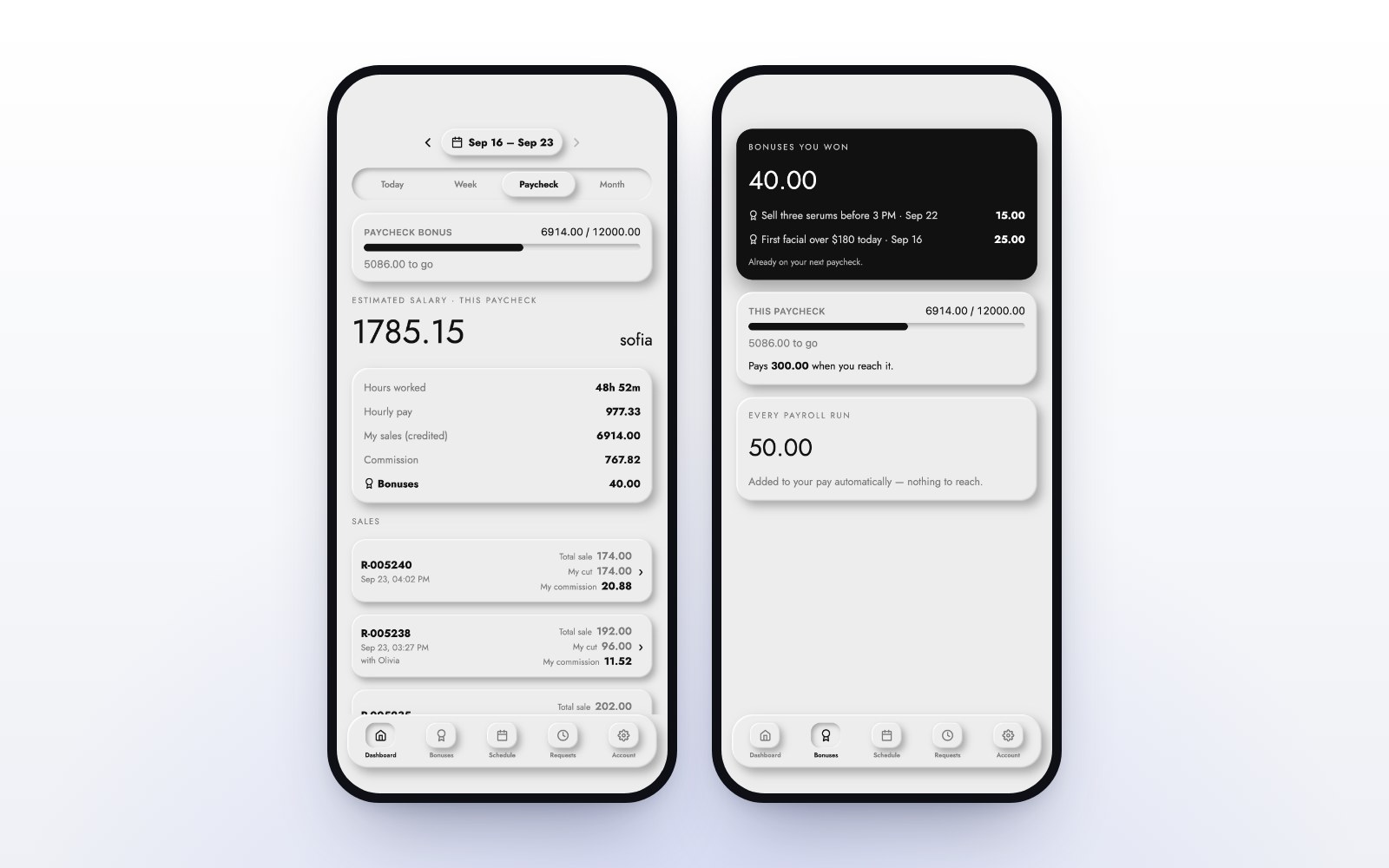
Look for commissions that are worked out on every sale, using the goals and rates you set, and that each provider can see on their own phone. MazalPOS includes a staff phone app where every employee sees their hours, sales and commission, and payroll adds itself up for each pay period. We cover the details in how to pay commissions at a spa or salon.
Does your website sell from the same inventory?
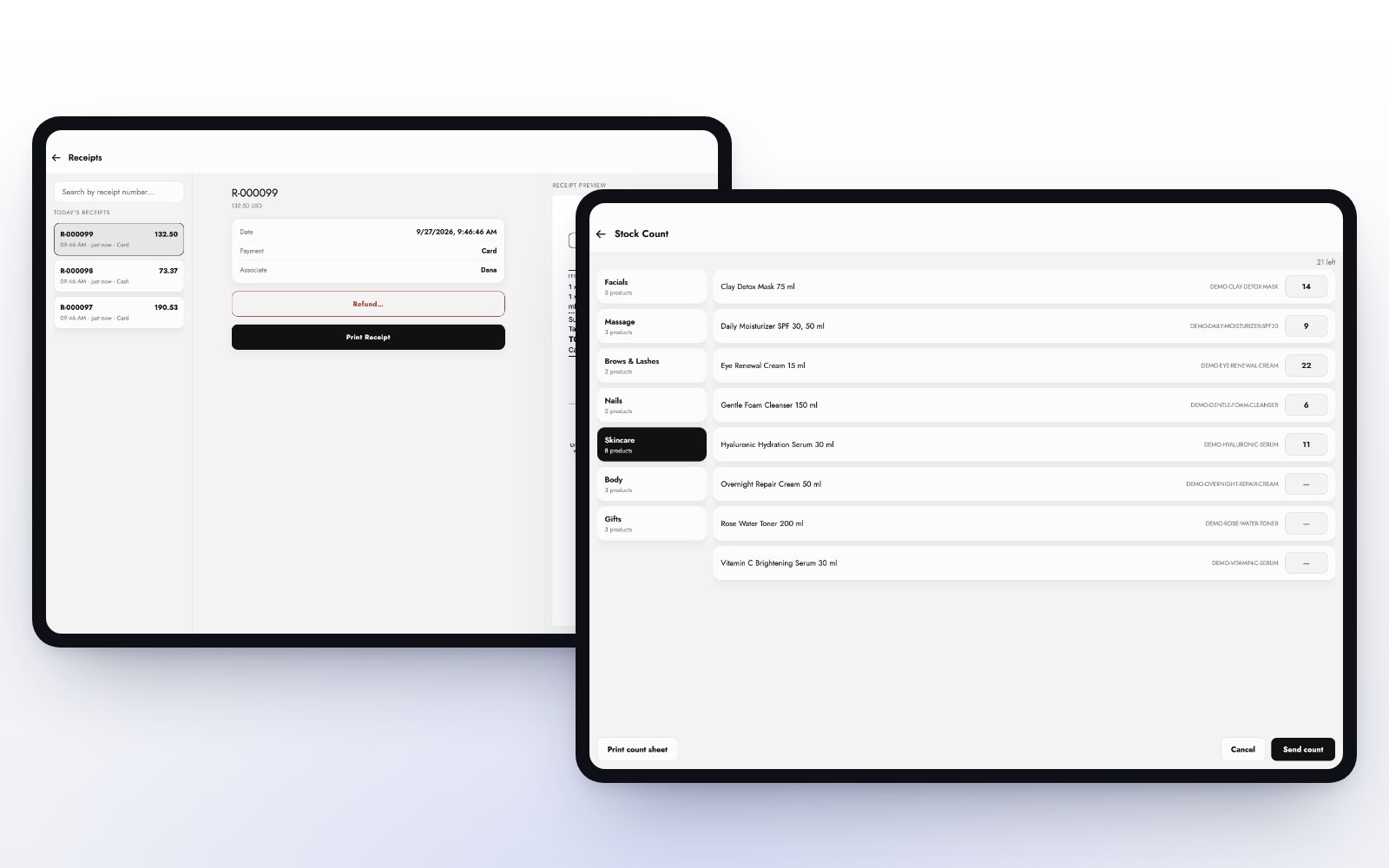
If you sell skincare online, the stock count on your website and the count on your shelf have to be the same number. Two systems mean overselling a product you no longer have, or hiding one you do.
Ask whether the online store is a separate product that syncs every few hours, or the same inventory. In MazalPOS the online store and the register draw down one stock count, live. Read more in how to sell online and in store from one inventory.
Will it keep selling when the Wi-Fi drops?
Every spa loses its connection eventually, usually on a Saturday. A cloud-only register shows a spinner while a client waits at the desk with a card in her hand.
Ask the salesperson to turn off the Wi-Fi during the demo and ring up a sale. An offline-first register keeps selling and syncs every sale the moment the connection is back. MazalPOS is built that way on purpose: nothing spins.
Can clients pay over time?
Treatment packages are a large purchase. Offering financing at checkout turns a “let me think about it” into a booked series. Ask which financing options are built in and whether they work in the store as well as online. MazalPOS includes Affirm and Purchasing Power on the Growth plan. See our guide to offering financing at checkout.
Questions to ask before you sign
- Can I see one ticket with a treatment, a product and a deposit applied?
- Where does a deposit live after I take it, and how does it come off at checkout?
- Who calculates commissions, and can each provider see their own?
- Does my website use the same inventory as my register, or a copy?
- What happens to a sale if the internet goes down mid-checkout?
- Who moves my data from my current system, and what does it cost?
- Is it month to month, or am I signing a contract?
Signs to walk away
- Treatments and retail need two different systems or two different payments.
- Deposits are tracked on paper or in notes, not as a balance.
- Commissions are “exported to a spreadsheet”.
- The demo needs a perfect internet connection to work.
- Moving your data is a paid project, or it is left to you.
- The contract runs for years and the price is per terminal, per user and per add-on.
How MazalPOS handles a med spa
MazalPOS is a point of sale built for med spas and skin clinics, salons and day spas and beauty retail. It runs on an iPad and any computer, keeps one inventory for your counter and your website, holds deposits on the client’s balance, and pays commissions automatically. We set you up in one day or do it for you, and we move your data from your old system for free. Plans start at $99 per location per month, with 14 days free and no card.
Common questions
The best med spa POS rings up treatments and retail on one ticket, keeps deposits on the client’s balance, calculates provider commissions automatically, shares one inventory with your website, and keeps selling offline. MazalPOS is built for exactly that.
No. A good med spa POS handles treatments and retail products on the same ticket and the same inventory, so one visit is one receipt.
Take the deposit as a balance on the client’s profile. It should apply automatically at checkout, and stay on the profile if the appointment moves.
MazalPOS costs $99 per location per month on Essentials and $169 on Growth, which adds the online store, payroll and commissions, multi-location and financing. Paying yearly gives two months free. Every plan starts with 14 days free.
Sources

Written by the MazalPOS team. We build and support the register, online store and staff app that stores from Las Vegas to Honolulu run on. Questions about this guide? Talk to a real person.