On this page
Key takeaways
- Most holds start with unfinished verification, a sudden large sale or a dispute.
- Finish verification before your first sale, not after.
- Tell your processor ahead of big package or treatment sales.
- Keep receipts, deposits and client consent on record for every high-ticket sale.
The short answer
A card processor holds payouts when it sees risk: an account that is not fully verified, a sale much larger than usual, a spike in volume, or a dispute. The hold protects the processor against refunds and chargebacks, and it can last days or months. You cannot rule out a hold, but you can remove most triggers before they fire. Start with verification, then large sales, then disputes.
Finish verification before the first sale
Many owners only learn their account was not fully verified after they had taken payments. Before you open, complete every verification step, make sure the business name, address and bank account match your documents, and describe what you sell in plain words. A spa that sells $3,000 treatment packages should say so.
Warn your processor about big tickets
A $5,000 package on an account that usually sees $150 tickets looks unusual to a risk system. If you are about to sell a large package, run a promotion or open a second location, tell your processor first. For big tickets, customer financing can help: with Affirm or Purchasing Power the client pays over time while you are paid up front. See customer financing at checkout.
Win disputes with records
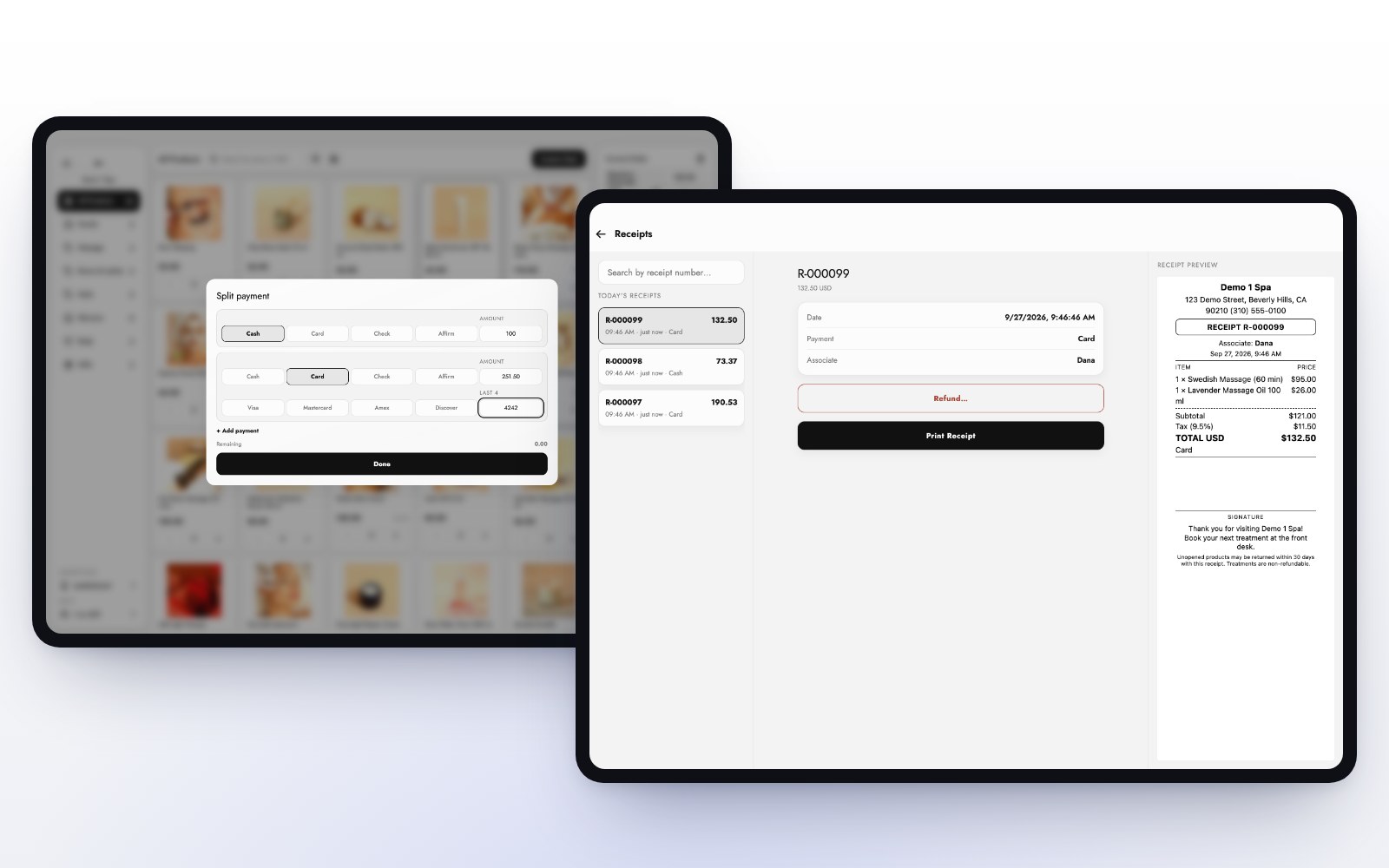
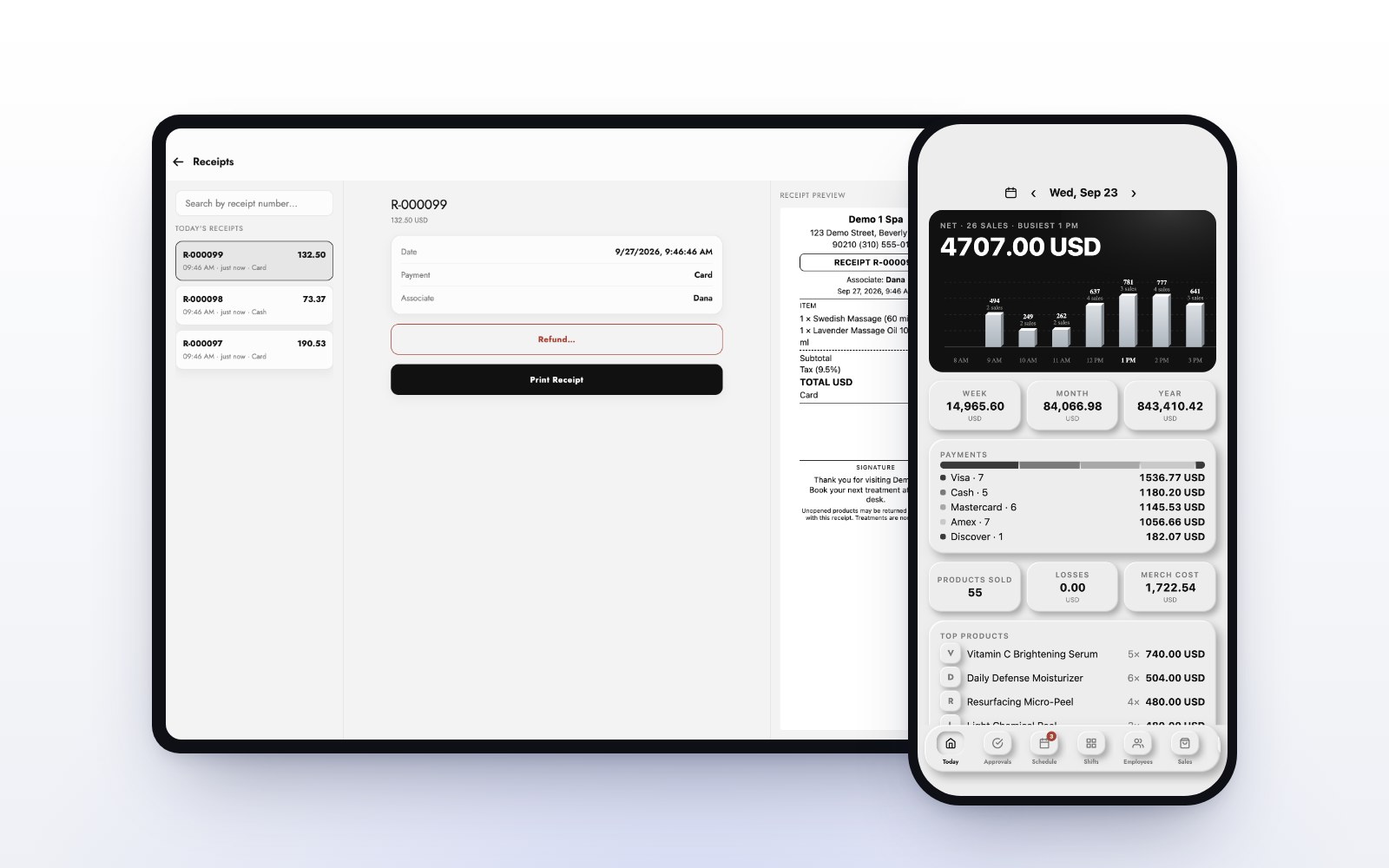
Disputes are the most common reason money leaves an account after the sale. For every high-ticket sale, keep a receipt with the client’s name, what they bought and when, plus any deposit and the policy they agreed to. In MazalPOS, every receipt is on the register and on the client’s profile, deposits sit on the client’s balance, and receipts can be emailed so the client has a copy too.
Keep a cash buffer
Even a short hold can land on payroll day. Keep enough cash to cover one pay period and one month of rent, and know your payout schedule so you are not counting on money that has not arrived yet. Our guide on why reports and deposits differ explains the timing.
Where the money goes with MazalPOS
With MazalPOS, your business takes payments through its own Stripe account, which you connect to MazalPOS. The money goes to your account, not to us, and you see your payouts in Stripe directly. Stripe’s own terms apply to that account. See MazalPOS payments.
Payout protection checklist
- Verification finished before the first sale.
- Business details match your documents and bank.
- Large sales and promotions announced ahead.
- Financing offered for big packages.
- Receipts, deposits and policies kept for every big sale.
- One pay period of cash in reserve.
Common questions
Usually because verification is not finished, a sale is much larger than normal, volume jumps suddenly, or a client opens a dispute.
No. Payments go to your business’s own Stripe account, not to MazalPOS, and Stripe’s terms apply to that account.
Tell your processor ahead, keep a clear receipt and policy, and offer Affirm or Purchasing Power so the client pays over time while you are paid up front.
On the MazalPOS register and on each client’s profile, and receipts can be emailed to the client.

Written by the MazalPOS team. We build and support the register, online store and staff app that stores from Las Vegas to Honolulu run on. Questions about this guide? Talk to a real person.