On this page
Key takeaways
- Sales and deposits differ because of timing, fees, refunds, tips, cash and deposits.
- Match one day at a time: the day report against that day’s payout.
- Keep net sales, payment fees and tax on separate lines.
- If they still differ after these checks, ask for a sale-by-sale payout report.
The short answer
A sales report counts what you sold. A bank deposit counts what the processor paid you, after fees and refunds, on its own schedule. So the two rarely match on the same day. Owners lose hours when the report and the payout also use different definitions of “sales”. Check the six causes below in order, one day at a time.
1. Payout timing
Card payouts usually arrive one to two business days after the sale, and weekend sales often land together on Monday. Compare Friday’s sales with the payout that covers Friday, not with Friday’s bank line.
2. Card fees
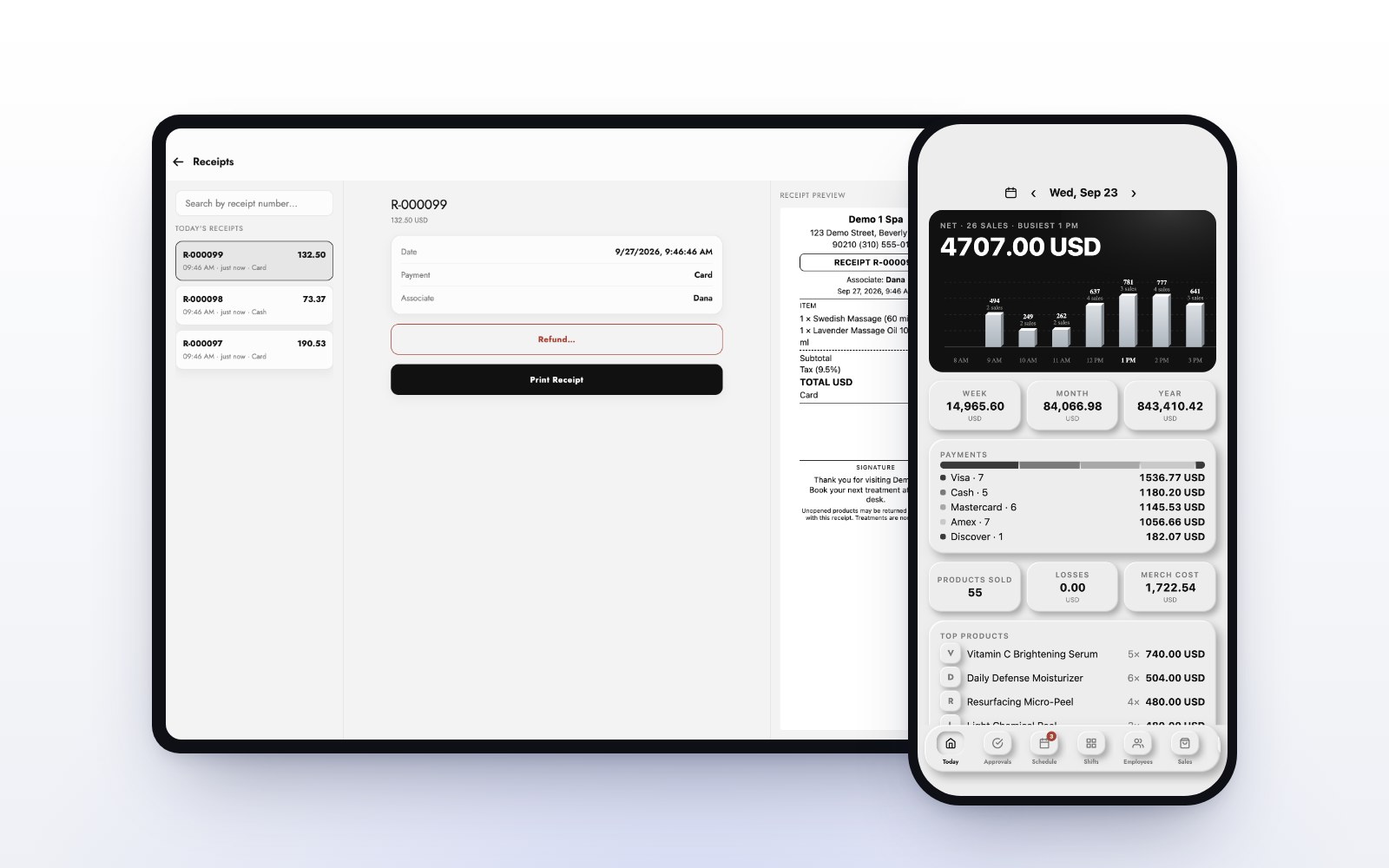
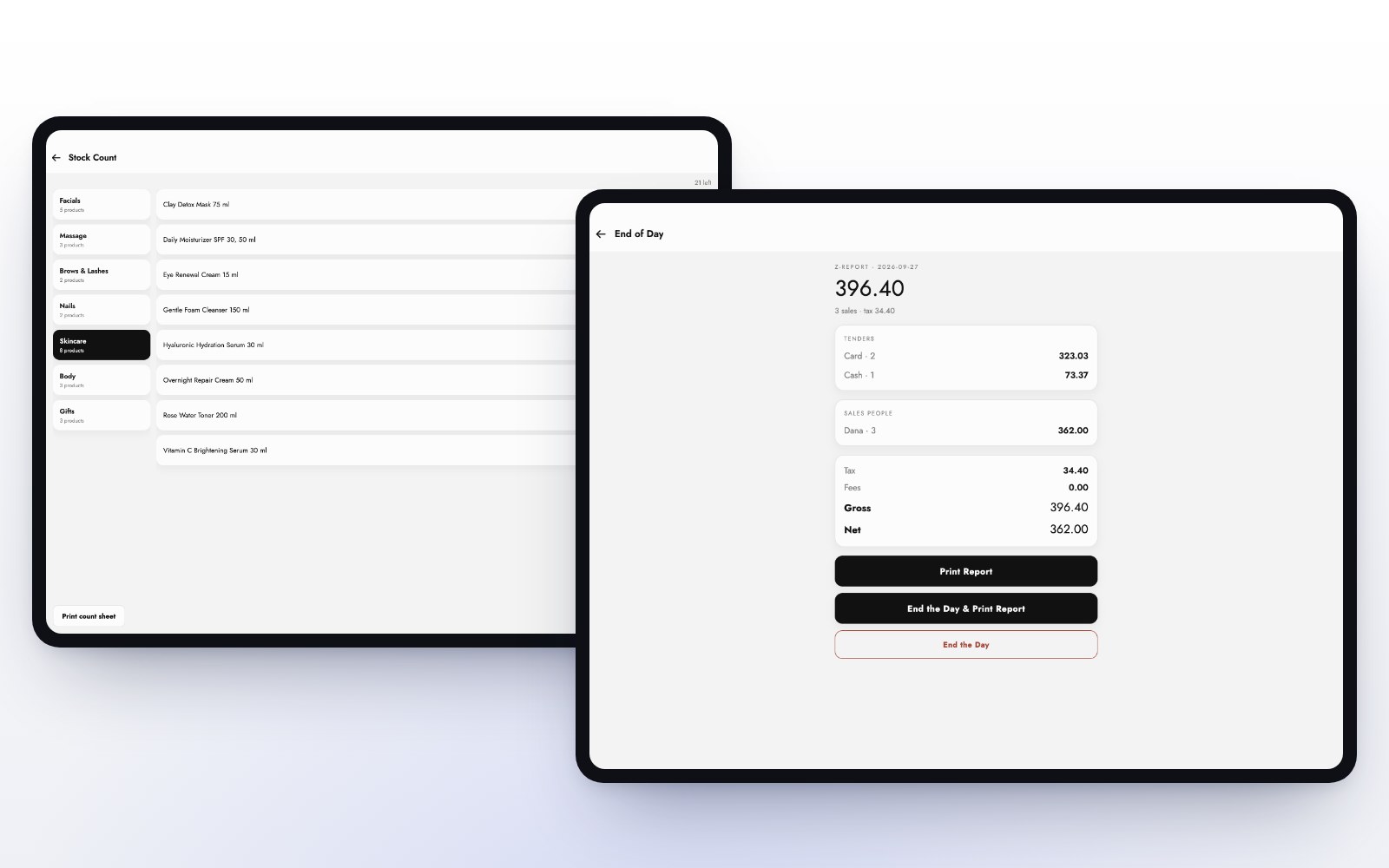
Processors take their fee before they pay you. If your report shows sales before fees and the bank shows money after fees, the gap is the fee. Keep payment fees on their own line. On the MazalPOS dashboard, net sales are sales before tax, payment fees are shown on their own, and gross includes tax and fees.
3. Refunds and disputes
A refund made today for last week’s sale comes out of today’s payout. Disputes can take money back weeks later. Match refunds to the day they were made, not the day of the original sale.
4. Cash and tips
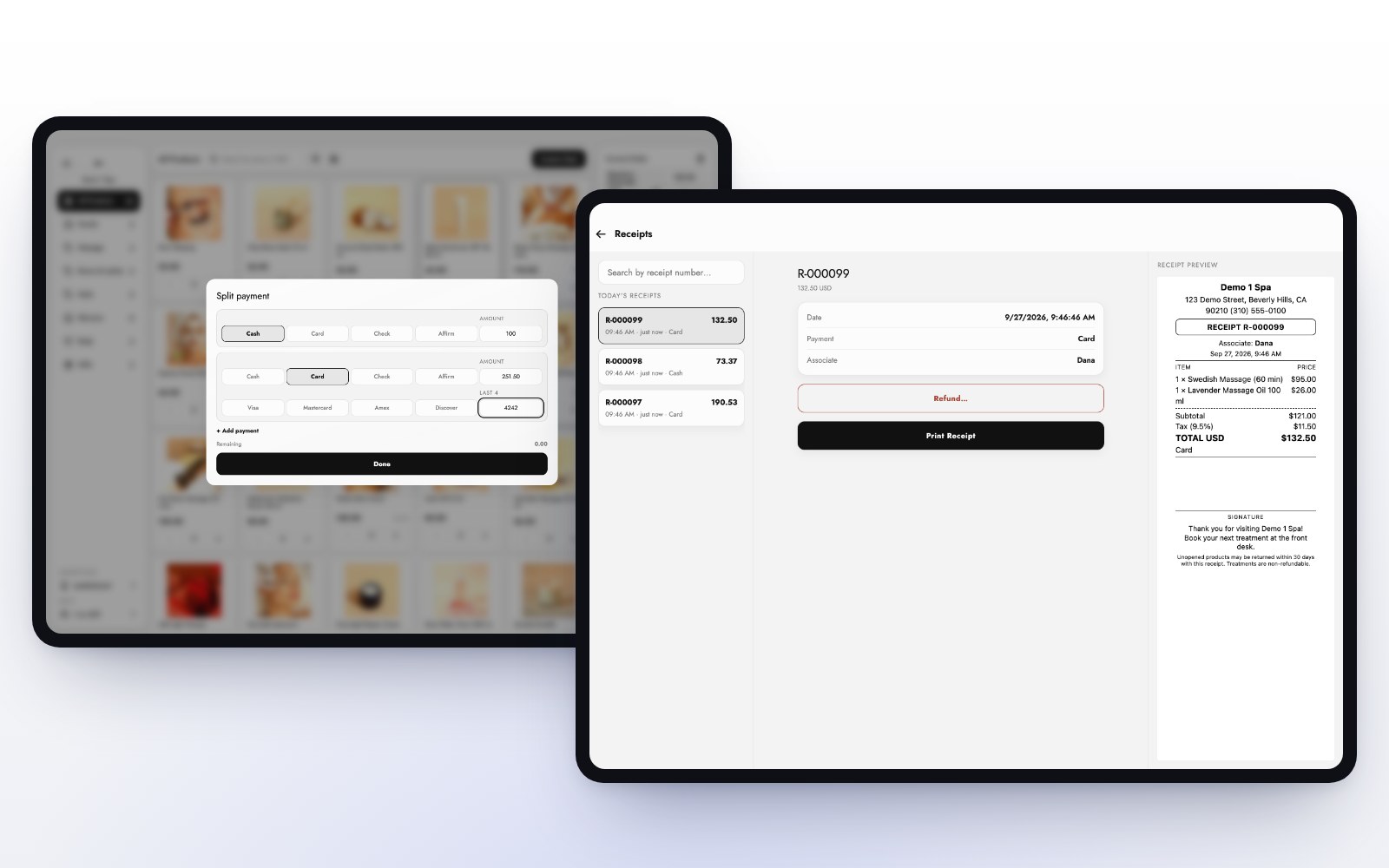
Cash sales are in your report but never in a card payout. Tips paid out in cash to staff leave the drawer but were part of the card total. Count the drawer at the end of the day and keep the cash total apart from cards.
5. Deposits, balances and financing
A deposit is money taken today for a visit later. When the client comes in, the deposit applies at checkout and the sale is recorded then. Financing settles separately too: with Affirm, you are paid by Affirm, not in the card payout. In MazalPOS, deposits sit on the client’s balance until they are used, so you can see what is held and what is earned.
6. Close each day on one report
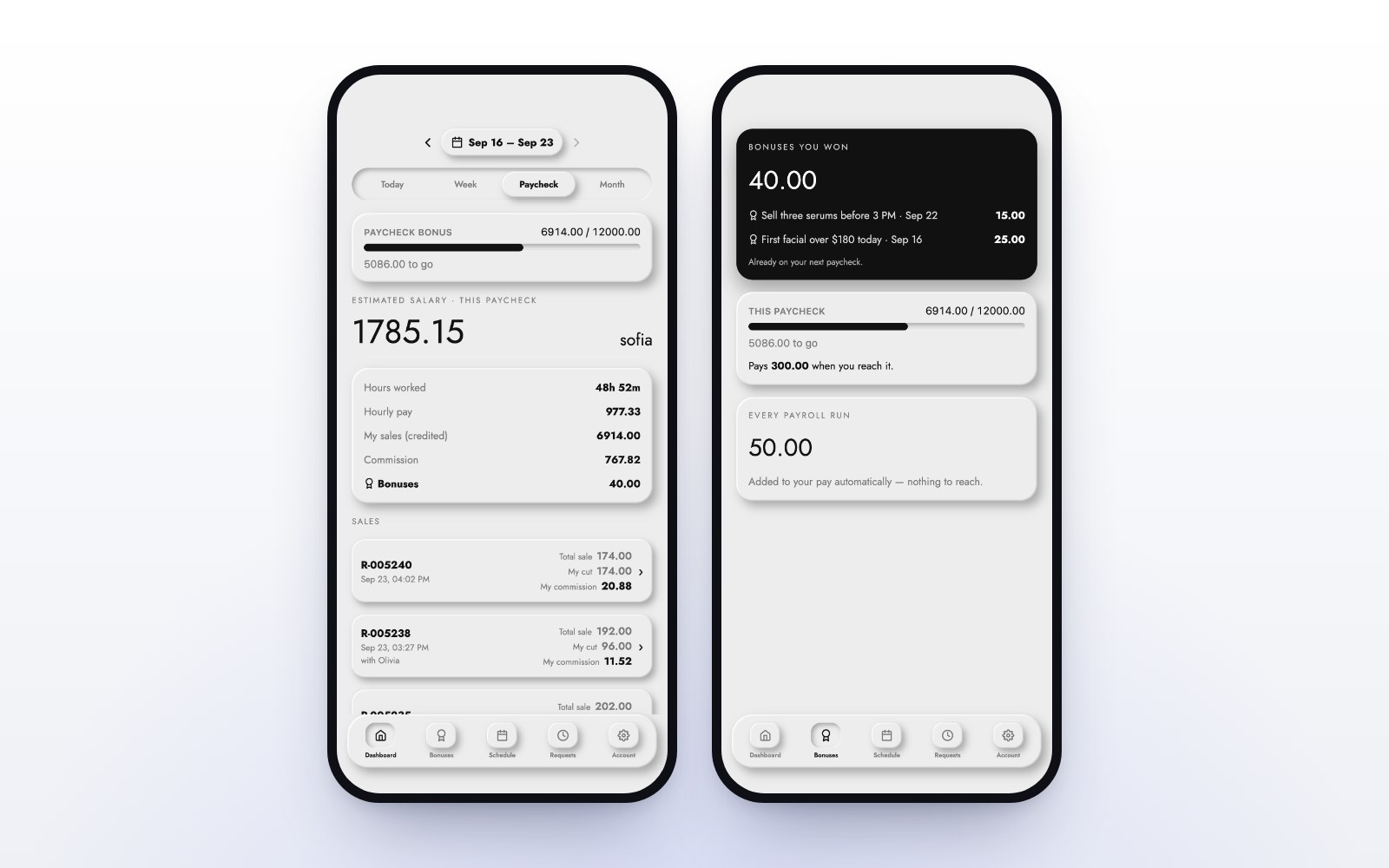
The easiest fix is a single end-of-day report that splits sales by how they were paid. The MazalPOS register closes each day with a day report, and live sales, payments and profit and loss are on your phone, for each location or all of them. See reports.
Reconciliation checklist
- Compare one day’s card sales with the payout for that day.
- Subtract card fees.
- Subtract refunds made that day.
- Take cash and cash tips out of the comparison.
- Separate deposits taken from deposits used.
- Look for financing settled on its own.
For commissions that match the same numbers, read how to pay commissions without spreadsheets.
Common questions
Usually because card fees and refunds are taken out before the payout, and cash sales are never part of it.
Most processors pay out on business days, so Saturday and Sunday sales are paid together on the next business day.
Net sales are shown before tax, payment fees on their own, and gross with tax and fees.
Yes. Live sales, payments and profit and loss open on your phone, for each location or all of them.

Written by the MazalPOS team. We build and support the register, online store and staff app that stores from Las Vegas to Honolulu run on. Questions about this guide? Talk to a real person.