On this page
Key takeaways
- Never run the card again until you have checked the first charge.
- Look the payment up in your processor’s dashboard before anything else.
- One sale, one receipt: the receipt is your record for both sides.
- A register that keeps selling when the Wi-Fi drops prevents most of the panic.
The short answer
When a payment looks approved but does not show up, or a client says they were charged twice, the worst move is to run the card again. First check whether the first payment really went through, then decide. Owners who re-run cards in a panic are the ones who end up refunding double charges for days. Keep this checklist at the front desk.
The front desk checklist
- Stop. Do not run the card again yet.
- Look it up. Open your processor’s dashboard and search the amount and time.
- If it is there, the client has paid. Record the sale against that payment and give a receipt.
- If it is not there, check the client’s banking app: a pending charge that is not in your dashboard usually drops off on its own.
- Only then take the payment again, or take another tender.
- Write it down: time, amount, last four digits, what you did.
If a client was charged twice
Find both charges in your dashboard. If both are real, refund one right away and give the client a receipt for the refund. If one is only pending, explain that it will drop off and show them the single completed charge. Being calm and precise keeps the client.
Why it happens
Most cases come from the connection dropping between the card reader, the register and the processor, so one part sees the approval and another does not. Slow pages make it worse, because staff tap again. The fix is a register that does not depend on a perfect connection and a receipt for every payment.
How MazalPOS handles checkout
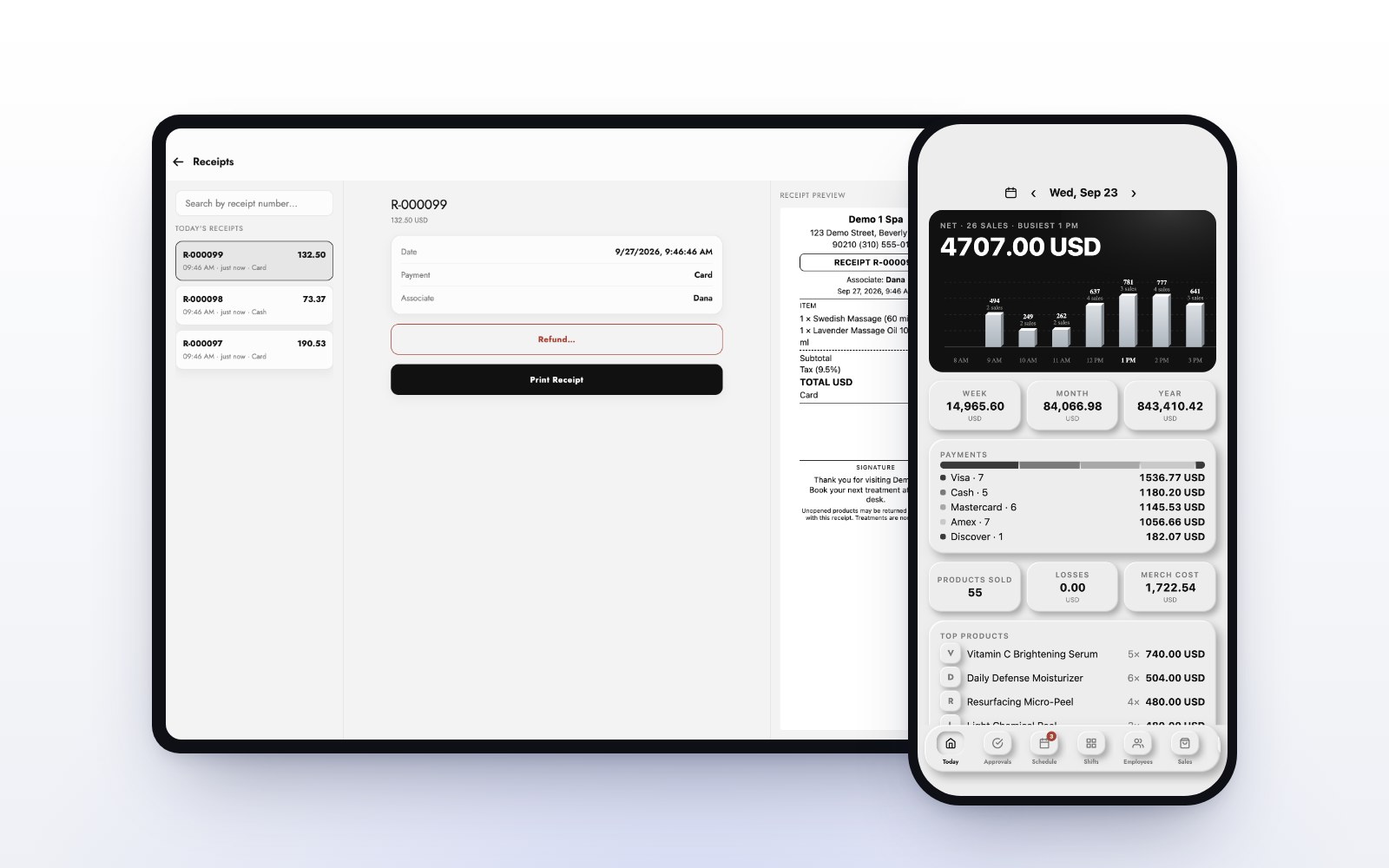
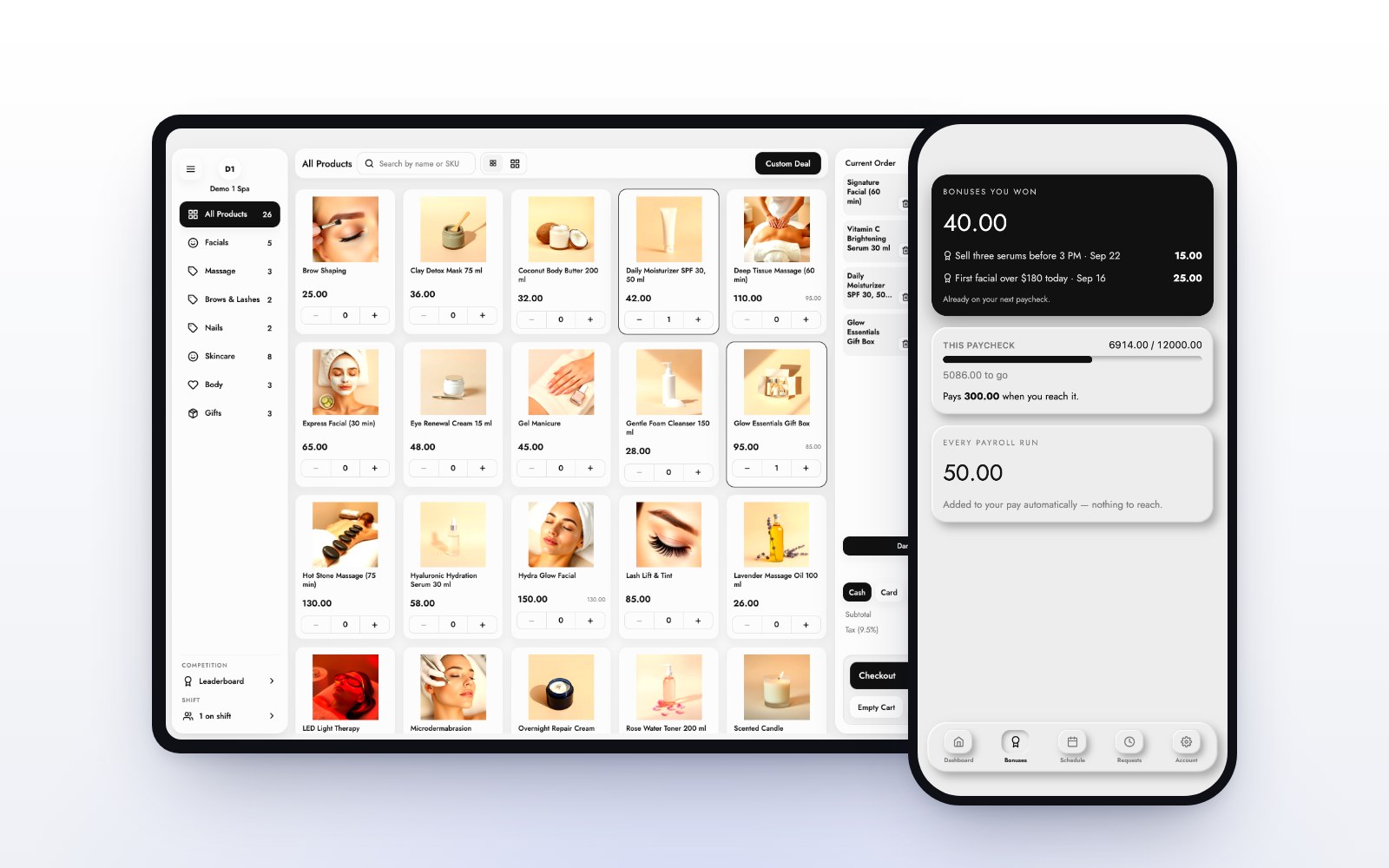
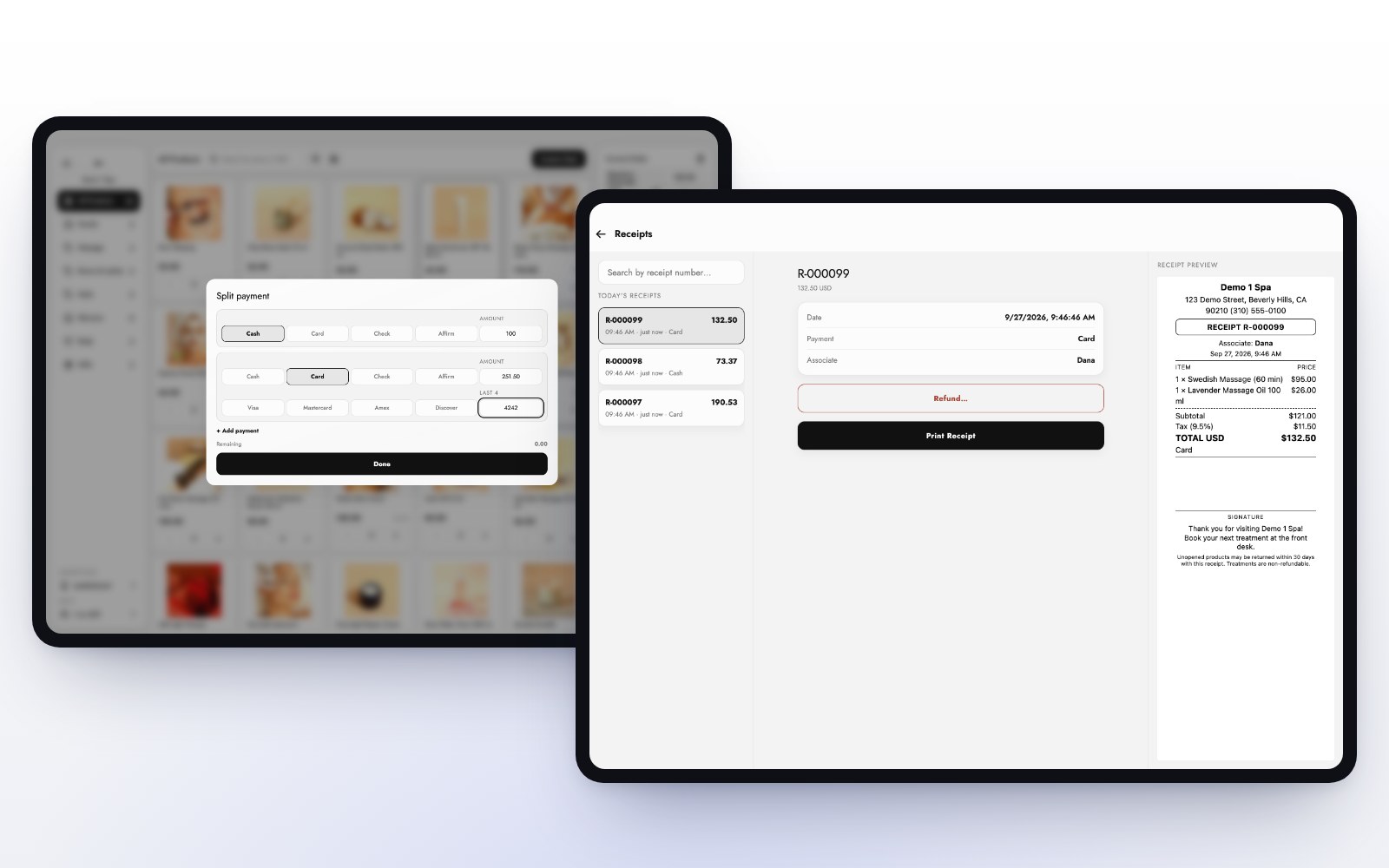
The MazalPOS register is offline-first: if the Wi-Fi drops, you keep selling, and every sale syncs when the connection is back. A sale takes a couple of taps and nothing spins. Every sale is in the receipts list on the register, split payments show each tender, and pay links report back whether they were paid and how. Price approvals and refunds go through a manager, so a mistake is caught before it becomes two.
Train it once
New staff should practice this before their first busy Saturday. MazalPOS has a practice mode: staff ring up practice sales on the real register, and they never touch stock, reports or pay. Read what good support looks like for what else to ask your provider.
Common questions
Not until you have checked your processor’s dashboard for the first payment. Running it again too early is how double charges happen.
Find both charges. Refund one if both completed, or show the client that one is only pending and will drop off.
Yes. The register is offline-first: you keep selling, and every sale syncs when the connection is back.
Yes. Practice mode lets staff ring up practice sales on the real register without touching stock, reports or pay.

Written by the MazalPOS team. We build and support the register, online store and staff app that stores from Las Vegas to Honolulu run on. Questions about this guide? Talk to a real person.