On this page
- What slows a checkout line the most on Black Friday?
- How many registers do you need on Black Friday?
- Can staff ring sales on a phone to shorten the line?
- What happens to checkout if the internet or the card reader goes down?
- How do you handle returns and exchanges without blocking the line?
- How do you take gift cards and split payments quickly?
- How do you schedule staff for the Black Friday rush?
- What should you set up the week before Black Friday?
- How does MazalPOS help speed up checkout?
- Common questions
Key takeaways
- Slow lines come from extra steps on each sale: finding a free device, entering amounts twice, waiting on a manager. Time ten real sales to find yours.
- NRF expects 182.7 million people to shop Thanksgiving weekend 2026, with 69% of holiday shoppers (126 million) planning to shop on Black Friday itself.
- Work out your registers from last year’s busiest hour. MazalPOS runs on an iPad or any computer, so a second lane is a second device.
- MazalPOS cannot ring sales on a phone. Cash sales continue offline, but card sales on the card machine need a connection.
- Every MazalPOS refund needs a manager, who can approve on their phone, and an exchange is a refund plus a new sale.
You speed up a Black Friday checkout line by cutting the extra steps on each sale, opening a second register before the line forms, keeping returns out of the sales lane, and planning for a card or internet failure. NRF expects 182.7 million people to shop over Thanksgiving weekend 2026, and 69% of holiday shoppers (126 million) plan to shop on Black Friday itself, which is Friday, November 27. MazalPOS runs on an iPad or any computer and keeps cash sales moving through an outage, but it cannot ring sales on a phone.
What slows a checkout line the most on Black Friday?
Extra steps on each sale slow a line more than the number of people in it: staff walking to find a free device, typing the same amount twice, waiting for a manager, or working out a split payment for the first time. Lightspeed’s guide to payment bottlenecks, written for restaurants but true at any counter, lists the same causes and says to watch a busy shift and note where staff or guests wait.
Do that before Friday. Time ten real sales at your counter with a stopwatch and write down what each pause was: a price check, a manager call, a card that did not read, a receipt question. The pause that shows up most is the one to fix first.
The rush does not end on Friday. NRF’s 2025 survey counted 80.3 million in-store shoppers on Black Friday and a record 32.6 million in stores on the Sunday after Thanksgiving, up 27% from 2024. Staff and devices should be ready for the whole weekend.
How many registers do you need on Black Friday?
You need enough registers that your busiest hour does not form a line, and you can work that out from your own numbers instead of guessing. Take your busiest hour from last year, count the sales in it, and compare that to what one register can ring in an hour.
The second number comes from your stopwatch test. For example, if ten sales took 25 minutes in all, that is 2.5 minutes a sale, or 24 sales an hour from one register. If last year’s busiest hour had 60 sales, you need at least three registers open for that hour, and a fourth if you want no wait at all. That example is arithmetic, not a MazalPOS or industry figure, so use your own times.
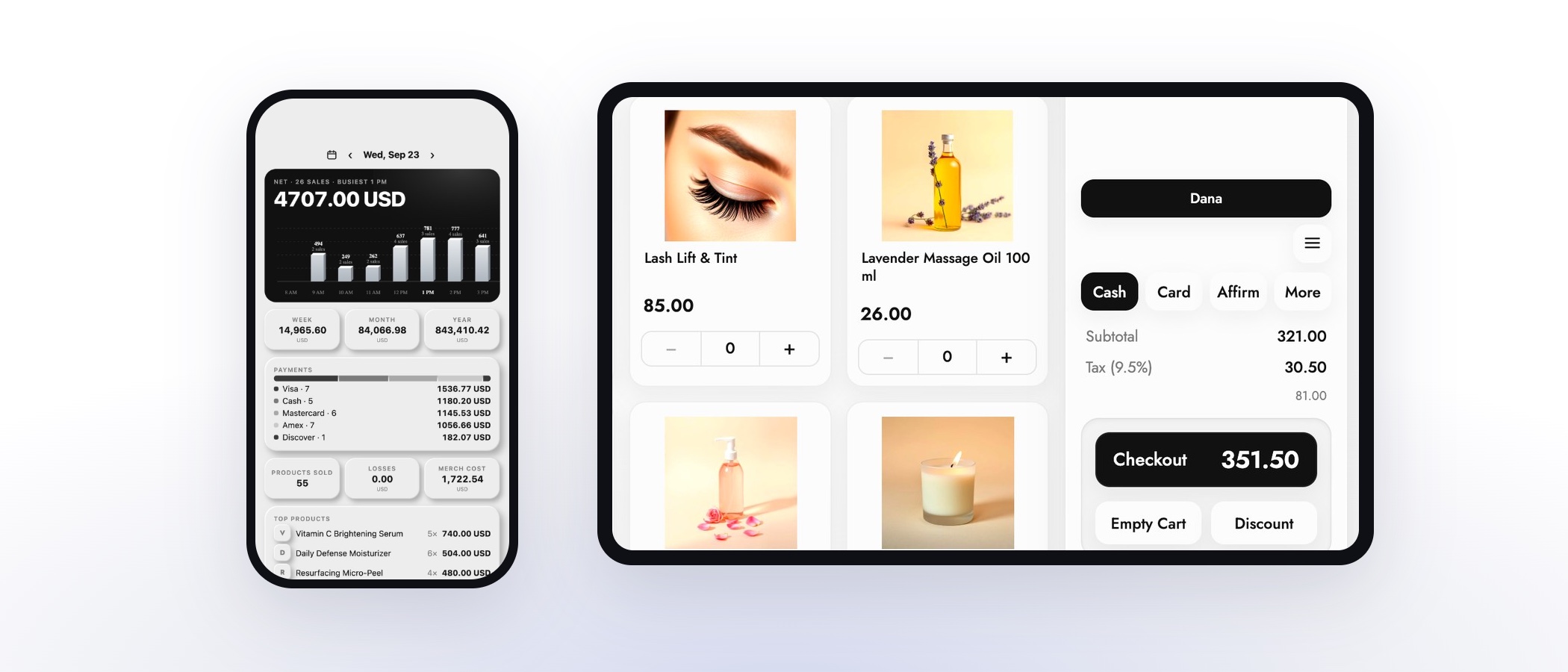
In MazalPOS the manager’s phone shows any day’s sales by hour and names the busiest hour, so last year’s numbers are one tap away if you used MazalPOS then. The register runs on an iPad or any computer, so a second lane can be a second iPad or a laptop. Each register is paired to your store once, and a paired register can work only on the location it was paired to. The plans are priced per location, and the published pricing does not state a register limit, so ask us how many you can pair before you buy more devices.
Can staff ring sales on a phone to shorten the line?
Not in MazalPOS: the MazalTeam staff app shows hours, sales, commissions, schedules and time-off requests, and sales are rung on the register. We checked the staff app screens and none of them rings a sale. If a phone-based “line busting” feature matters to your plan, ask any vendor exactly how the card is taken away from the counter, and what happens if the connection drops.
What a phone does help with in MazalPOS is the manager’s side. Every refund needs a manager’s approval, and so does a price below your minimum, and the manager can approve on their phone instead of walking to the counter, or type their own username and PIN at the register. That keeps a one-minute question from becoming a five-minute wait.
What happens to checkout if the internet or the card reader goes down?
In MazalPOS, cash sales keep going when the internet drops, and card sales on the card machine wait for the connection, so plan for both before Friday. A sale rung offline is saved on the device and the register shows “Saved offline. Will sync automatically.” When the internet returns the register sends the oldest sale first, checking every 10 seconds, and you do nothing. Our guide to how offline mode works has the full detail.
Cards are the part to plan for. When a cashier taps Credit or Debit, the register asks the MazalPOS server to send the amount to the store’s card machine, so it needs a connection. We do not claim a card can be approved while the internet is down. If a card was run on another machine, the register has an Enter card by hand option that records the brand and last four digits without charging the card, so use it only for money you really collected.
Other systems take cards offline, and the risk moves to you. Square’s help center says you will not get notifications for declined payments while offline, that you are responsible for expired, declined or disputed payments accepted offline, and that offline payments must be uploaded within 72 hours, with 24 hours recommended. Square also lists Square gift cards and manually entered card numbers as unavailable offline.
Agree on what your cashiers say to a customer who only has a card during an outage, keep change in the drawer, and test your backup connection (a phone hotspot is a common one) with the register before Friday.
How do you handle returns and exchanges without blocking the line?
Move returns away from the sales lane, and make sure whoever handles them can finish one without hunting for a manager. In MazalPOS every refund needs a manager, at any amount. The cashier picks the whole receipt or chooses quantities, says whether the items go back to stock or are damaged, and a manager approves on their phone or at the register.
We did not find an exchange button in the register code, so in MazalPOS an exchange is a refund of the old item and a new sale. Plan for the extra minute, and do it at a returns spot, not in the sales lane.
Write the policy before Friday and post it at every register, so a cashier is not making it up under pressure. Our guide to a holiday return policy for a small store covers gift receipts, windows and what to refuse.
How do you take gift cards and split payments quickly?
Pick the method once on the register’s More screen and let the register show what is left, instead of doing the math at the counter. In MazalPOS, More holds Split payment, Check, Gift card and Deposit, plus the financing options your store has switched on.
A split payment is one row per payment, each with a method (Cash, Card, Check or a financing plan) and an amount, and the tender screen shows what is paid, what is left and the change. For a gift card the cashier types the card number and the register looks up the balance first, then says either that the balance covers the sale or that it is not enough and to take the rest another way.
Expect gift cards at the counter. NRF’s 2025 survey lists gift cards at 26% of the gifts bought over Thanksgiving weekend. Have each new hire ring a gift card sale and a split payment in practice mode before Friday, so the first time is not in front of a line.
How do you schedule staff for the Black Friday rush?
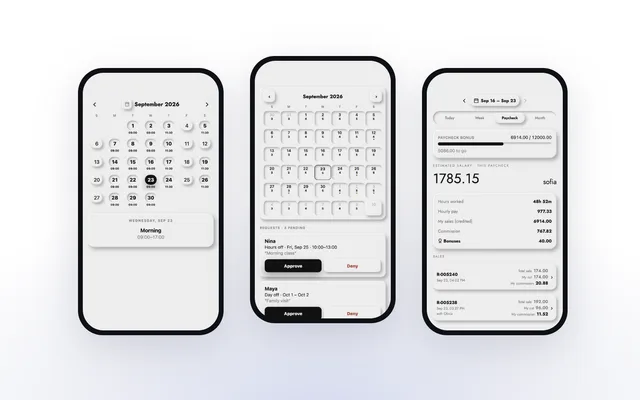
Schedule to the hours your own report says are busy, give every temporary hire their own login, and have them practice before the doors open. Put the shifts in the MazalTeam app so each person sees their own current schedule on their phone, which is included on every plan, and answer time-off requests there too.
Practice mode lets new hires ring pretend sales on the real register, and nothing is charged. With their own logins, every sale has a name on it, and refunds and below-minimum prices stay with a manager. Our guide to holiday staff schedules and pay covers the rest of the season.
What should you set up the week before Black Friday?
Set up these eight things before the doors open on Friday, November 27, 2026, and test each one on the real register:
- Find last year’s busiest hour and decide how many registers to open for it.
- Open the web register once on every computer while the internet is good, so the browser keeps its offline copy.
- Run one test sale on every register, with the card machine, so a dead reader shows up on Monday and not Friday.
- Have each new hire do a cash sale, a split payment, a gift card sale and a refund request in practice mode.
- Post the return policy at every register, and decide where returns are handled.
- Put the schedule in the staff app, and make sure managers have their phones for approvals.
- Stock change, and agree what staff say to card-only customers if the internet drops.
- Plan to check Receipts for Pending sync rows before you close the day after any outage.
How does MazalPOS help speed up checkout?
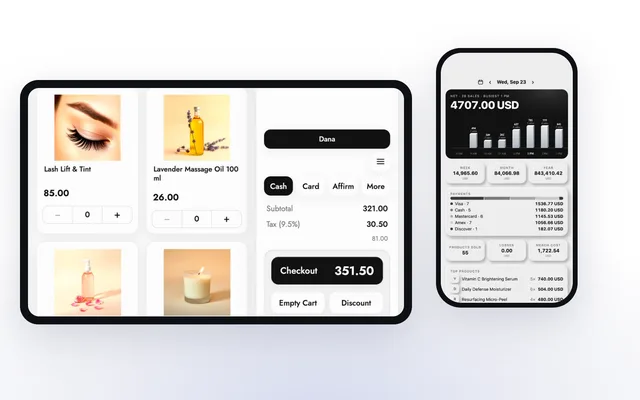
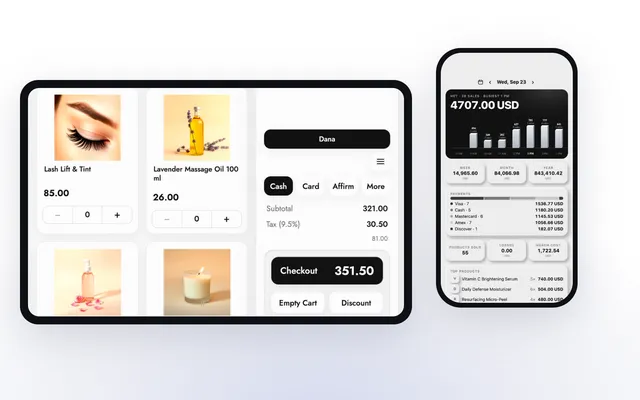
MazalPOS keeps each sale to a few steps: tap the item, take the payment, then print or email the receipt, with cash, card, split payment and gift cards on one screen. It runs on an iPad or any computer, keeps cash sales moving through an outage, needs a manager for every refund, and shows sales by hour on the manager’s phone, so you can staff to the real rush. See the register for the full tour.
Two limits to know. The register finds items by name or SKU in a search box, and the back office prints Code 128 barcode labels from each product's SKU; there is no dedicated scanner setup screen, so ask us how your scanner would work if scanning matters to your line. And the staff phone app does not ring sales.
Essentials is $99 a month per location and includes the register, inventory, customers, reports, full staff scheduling, the MazalTeam app, and card and cash payments. Every plan starts with 14 days free, no card, month to month, and we move your data from your old system for free.
Common questions
Remove extra steps on each sale, open a second register before the line forms, keep returns out of the sales lane, and plan for a card or internet failure. Time ten real sales first to find your own slowest step.
Not in MazalPOS. The staff phone app shows hours, sales, schedules and pay, and sales are rung on the register, which runs on an iPad or any computer. A second iPad or laptop makes a second lane.
Cash sales keep going and sync when the internet returns. Card sales on the card machine need a connection, because the register asks the MazalPOS server to send the amount to the machine.
Handle them at a separate spot with a manager nearby. In MazalPOS every refund needs a manager, who can approve on their phone, and an exchange is a refund plus a new sale.
Friday, November 27, 2026. NRF’s 2026 survey says 69% of holiday shoppers, about 126 million people, plan to shop on Black Friday.
Sources
- NRF: 183 Million Consumers Expected to Shop During Thanksgiving Weekend, read November 23, 2026: 182.7 million expected, Black Friday at 69% (126 million), November 19, 2026 survey.
- NRF: Thanksgiving Holiday Weekend Draws a Record 203 Million Shoppers, read November 23, 2026: 2025 Black Friday and Sunday in-store shoppers, gift cards at 26%.
- Square Help: Process offline payments, read November 23, 2026: offline time limits, declined payments, unsupported payment types.
- Lightspeed: How to Reduce Payment Bottlenecks in Your Restaurant During Busy Periods, read November 23, 2026: where payment delays come from, practice and fallback advice.

Written by Mike Akop, founder of MazalPOS. We build and support the register, online store and staff app that stores from Las Vegas to Honolulu run on. Questions about this guide? Talk to a real person.