On this page
Key takeaways
- Devices and accessories should sell from one stock count, at the counter and online.
- Financing at the counter turns a $900 device into a monthly payment the customer can say yes to.
- If you sell products with a written warranty, the FTC says customers must be able to read it before they buy.
- Know what your POS does not track, like serial numbers, before you sign.
- MazalPOS is $99 or $169 per location a month, with no charge for each employee.
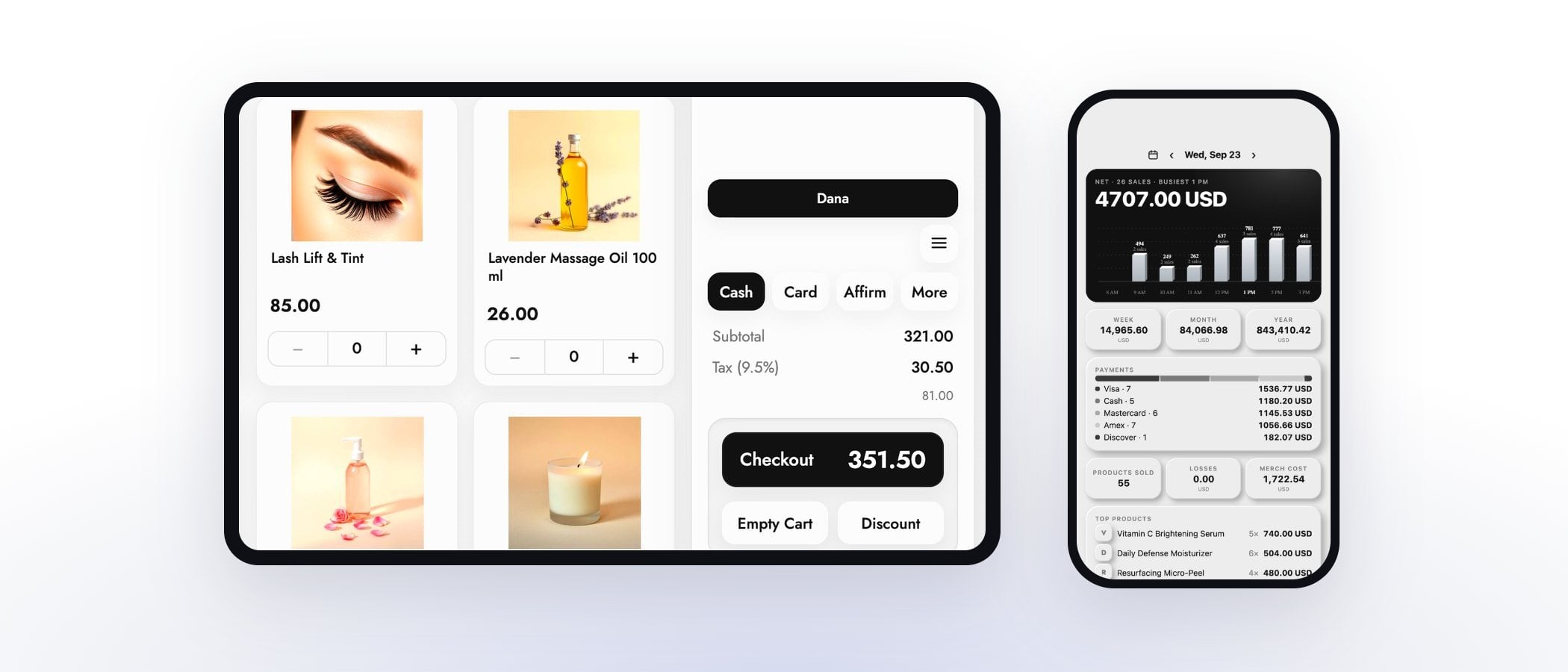
An electronics or phone accessories store needs a POS that keeps devices and accessories on one stock count, lets customers pay over time at the counter, and pays staff on what they sell. A phone case and a laptop ring up very differently, and the system has to handle both without slowing the line.
Devices and accessories on one count
Most electronics stores make the sale on a device and the margin on what goes with it: the case, the screen protector, the charger, the cable. Every one of those needs its own stock number, and every color or size needs its own count, or the system says you have a case when the shelf does not.
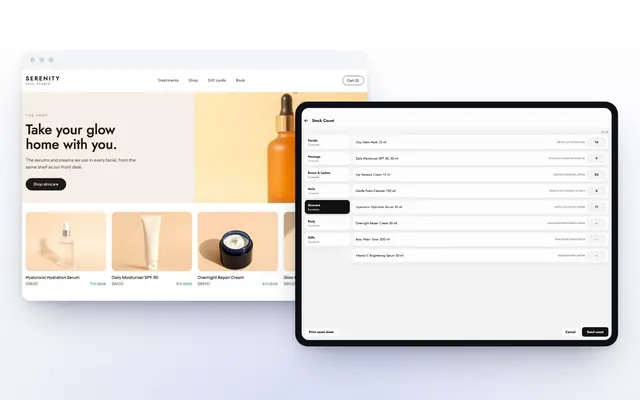
In MazalPOS, inventory is one stock number shared by the register, the website and every location, with transfers between stores and low-stock alerts built in. MazalPOS counts stock per product and per variant. It does not track each unit by its serial number today, so if your store needs serial or IMEI records for every phone, ask us before you switch: we build features stores ask for.
Let customers pay over time
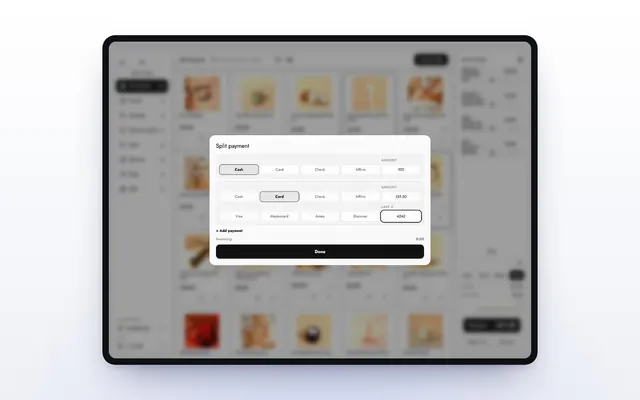
A customer who walks in for a $900 laptop often leaves to think about it. Financing at the counter turns that price into a monthly payment while you are paid up front. MazalPOS takes Affirm, Klarna, Afterpay, Sunbit, Care Credit and Cherry financing in the store and Affirm online, next to cards, cash and pay links.
Deposits sit on the customer’s balance, which helps when a device is ordered in and picked up later. Our guide to offering financing at checkout covers how it works for the customer and for you.
Have the warranty ready before the sale
Electronics often come with a written warranty from the manufacturer. Under the FTC’s Pre-Sale Availability Rule, a store that sells to customers in person must make written warranties available at the point of sale: shown next to the product, or given on request with a sign that says customers can ask to see them. The rule applies to consumer products that cost more than $15.
The POS does not replace that sign, but customer profiles help after the sale. Each profile keeps the customer’s purchase history, invoices, balance and notes, so when someone comes back with a warranty claim, you can find what they bought and when in a few seconds.
Sell online without selling the last one twice
Electronics shoppers compare prices online before they drive to a store. If your website and your register keep separate counts, the last unit of a popular model sells twice and someone gets a refund instead of a device. With one inventory, a sale at the counter and a sale online lower the same number at the same moment.
MazalPOS runs the online store on the same catalog and stock as the register, with shipping or in-store pickup. Read more about selling online and in store from one inventory.
Pay your team on what they sell
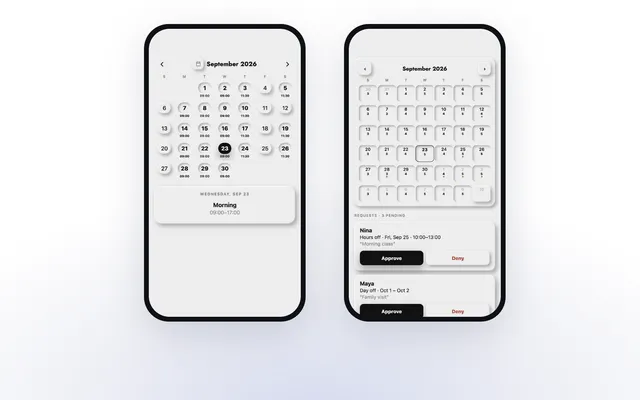
Electronics sales lean on staff who can explain the difference between two models, and many stores pay a commission for it. Every employee gets the MazalTeam app on every plan: clock in, schedules, hours and their own sales. On the Growth plan, commission is worked out on every sale with the goals and rates you set. When an employee reaches a goal, the reached rate applies to their whole day, and payroll adds itself up for each pay period, the 1st to the 15th and the 16th to the end of the month.
What it costs
MazalPOS is priced per location, with no charge for each employee. Essentials is $99 a month: the register on iPad or any computer, inventory, customers, reports, full staff scheduling, the MazalTeam app, and card and cash payments. Growth is $169 a month: everything in Essentials plus the online store connected to the register, payroll and commissions, and more than one location. Every plan starts with 14 days free, no card, month to month, and we move your customers, products, staff and sales history from your old POS for free. See pricing.
Questions to ask before you buy
- Do devices and accessories share one stock count with my website?
- Can every color and size have its own count?
- Does the system track serial or IMEI numbers, and do I need it to?
- Can customers finance a purchase at the counter and online?
- Can I find a customer’s purchase in seconds when they bring it back?
- Is commission worked out for me, and can staff see their own?
- Is there a charge for each employee?
- Will you move my data from my old POS for free?
Common questions
One that keeps devices and accessories on one stock count, offers financing at the counter, and pays staff on what they sell. MazalPOS does all three, from $99 per location a month.
Yes. MazalPOS takes Affirm, Klarna, Afterpay, Sunbit, Care Credit and Cherry financing in the store and Affirm online, and the store is paid up front.
For products over $15 with a written warranty, the FTC’s Pre-Sale Availability Rule says retailers must make the warranty available before the sale, next to the product or on request with a sign.
Not today. MazalPOS counts stock per product and per variant. If your store needs serial or IMEI records, tell us and we will look at building it.

Written by Mike Akop, founder of MazalPOS. We build and support the register, online store and staff app that stores from Las Vegas to Honolulu run on. Questions about this guide? Talk to a real person.