On this page
- Can you trade in an old POS system?
- Can you return POS hardware, and in how many days?
- Is leased or rented POS equipment yours to sell?
- Can you sell POS hardware you bought outright?
- Can you keep using your old card reader, printer or iPad with a new POS?
- What about early termination fees and contracts?
- What should you wipe or export before you sell or return it?
- Does a new POS give you a credit for your old hardware?
- What to ask your old vendor this week
- Common questions
Key takeaways
- You usually cannot trade in an old POS system: none of the vendor pages we read lists a trade-in or buyback program.
- New, unused hardware can go back for a refund: 30 days at Square, Lightspeed and Shopify, 90 days at Toast.
- Leased or rented equipment is not yours to sell, and a missed return can cost the greater of $250 or fair market value (Clover’s terms).
- Hardware you own outright can be sold, but the warranty ends, and card readers may be locked to the processor that sold them.
- MazalPOS does not offer a trade-in credit. We move your data for free, and every plan starts with 14 days free, no card.
You usually cannot trade in an old POS system, but you can often return unused hardware within a short window, sell gear you own outright, and keep an iPad or printer that is not locked to your old processor. Square, Clover, Toast, Lightspeed and Shopify publish return windows of 30 to 90 days for new hardware, and none of the pages we read on November 20, 2026 lists a trade-in or buyback program. Leased or rented equipment is not yours to sell.
Can you trade in an old POS system?
No: none of the vendor pages we read lists a trade-in or buyback program for used POS hardware. Square’s hardware policy, Toast’s return page, Lightspeed’s return page, Shopify’s hardware return policy and Clover’s published merchant terms all describe returns of new hardware and who owns the equipment. None of them mentions a trade-in.
A sales rep may still offer something that is not published, so ask for it in writing. The one real trade-in market in this picture is Apple: its support page sends iPhone and iPad owners to Apple Trade In, which matters because many stores run their register on an iPad.
Can you return POS hardware, and in how many days?
Yes, if it is new and unused: Square gives 30 days from delivery, Toast gives 90 days from shipment, Lightspeed gives 30 days from receipt, and Shopify gives 30 days from shipment. Clover’s published terms list no return window for hardware.
- Square: 30 days from delivery. Original condition and packaging with the packing slip. iPads and other Apple products must be unopened. Full refund, and return shipping is covered.
- Toast: 90 days from shipment. Original condition with documents and accessories. Shipping is not included with the refund, and processing takes about one to two weeks.
- Lightspeed: 30 days from receipt, or 14 days for unopened Apple products. All original materials and packaging, shipped back within 14 days of submitting the return. Return shipping is free. This is the Lightspeed Retail (S-Series) page.
- Shopify: 30 days from shipment. Like-new condition in original packaging. Chip & Swipe readers are non-returnable on the US page. Return shipping is free in the continental US.
- Clover: no window in the terms we read. They cover rented equipment, not returns of new hardware, so ask your reseller.
For the details of each vendor, see our guides to Square hardware returns, Toast hardware, leases and buyouts, Clover equipment and PayPal Zettle returns. Count the days from the date the vendor names, because delivery, receipt and shipment are different days.
Is leased or rented POS equipment yours to sell?
No: leased or rented equipment stays the provider’s property until you buy it out, so you cannot sell it. Clover’s published General Terms say that, apart from purchased equipment paid for in full, the equipment remains Clover’s personal property, and that rented equipment may not be subleased. They also say that for each rented item not returned 14 calendar days after the rental ends, you agree to pay the greater of $250 or its fair market value.
Those terms are the Citibank-sponsored version, and Clover says terms vary by service provider, so your Equipment Documents decide. Toast describes its Easy Pay as a lease: Toast owns the equipment during the term, and to take ownership you give written notice at least 30 days before the final day of the term, with your security deposit applied to the price.
Leases are also where small businesses get hurt. The FTC says some businesses pay thousands to lease equipment that would have cost only a few hundred dollars to buy, and then cannot cancel the lease despite the promises made to them.
Can you sell POS hardware you bought outright?
Yes, if you own it free and clear: Toast says unused hardware past its 90-day return window is yours to do with as you please. The word that matters is owned. Clover’s terms give Clover a security interest in purchased equipment until the purchase price is paid, so gear you are still paying for is not free to sell.
Expect to lose the warranty. Square says its limited warranty is only for the original purchaser and ends if you sell or transfer the hardware. We found no vendor-run resale marketplace on the pages we read, so used hardware sells like any other used electronics. Check that the buyer’s processor can use it, because of the next question. An iPad is the exception: Apple Trade In takes iPads, and it is the easiest piece of an old setup to turn into cash.
Can you keep using your old card reader, printer or iPad with a new POS?
Sometimes: iPads and receipt printers usually carry over, but card readers are tied to the processor that sold them. Clover’s terms say equipment bought or rented from Clover may not be compatible with another processor’s systems, and that Clover has no obligation to make it compatible. Check the same thing for any reader before you plan around it.
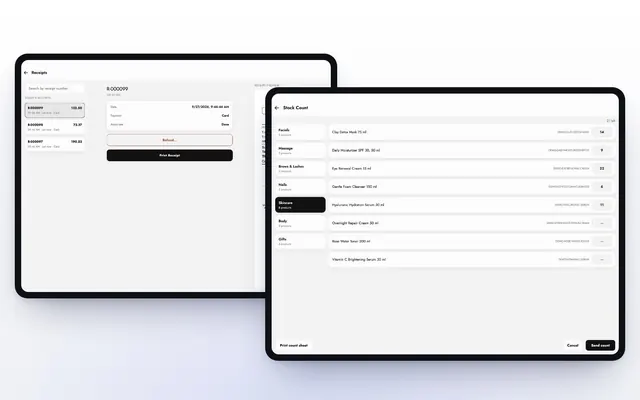
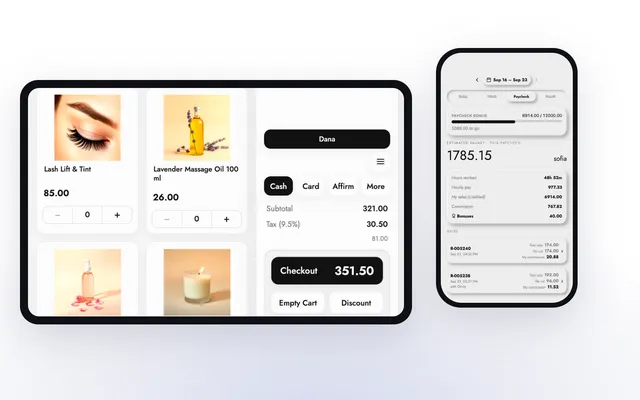
What carries over to MazalPOS: the register runs on an iPad and on any computer, so an iPad you already own can be your till. Card payments run through your own Stripe account, so a reader locked to your old processor is a question to ask us before you sell it, because we do not publish a list of supported card readers. Receipts print through the browser on any printer, and directly to a Star TSP100 receipt printer when the free QZ Tray helper runs on the till computer.
What about early termination fees and contracts?
The hardware is only part of the exit cost: the processing contract and any equipment lease can carry their own fees and renewal terms. In a case announced on November 2, 2026, the FTC and Washington state allege that a payment processor buried a $695 early termination fee in a 26-page electronic contract, and that its equipment lease auto-renewed for a year longer than the processing contract. Those are allegations in a proposed settlement, but the pattern is worth checking for in your own paperwork.
The FTC’s advice is to read the contract before you sign, and to get every term in writing. Do the same now: find the term length, the notice period, the termination fee and the equipment schedule. Our guides cover Square, Clover and Toast cancellations. One more thing from Square’s help page: it says there is no cost to keep a Square account open, so you can keep your sales history while you switch.
What should you wipe or export before you sell or return it?
Export your data first, then sign out and erase every device. Square tells owners to export payment history, the Item Library and the Customer Directory before deactivating, and says a deactivated account cannot be reactivated.
For an iPad, Apple says to back it up, check Parts and Service History for a Finish Repair message if you plan to trade it in, sign out of your Apple Account, then go to Settings, General, Transfer or Reset, and tap Erase All Content and Settings. Apple also says to remove the old device from your trusted devices list. For processor equipment, remove the devices from your account: Toast says you can manage and remove devices from your subscriptions yourself or through support.
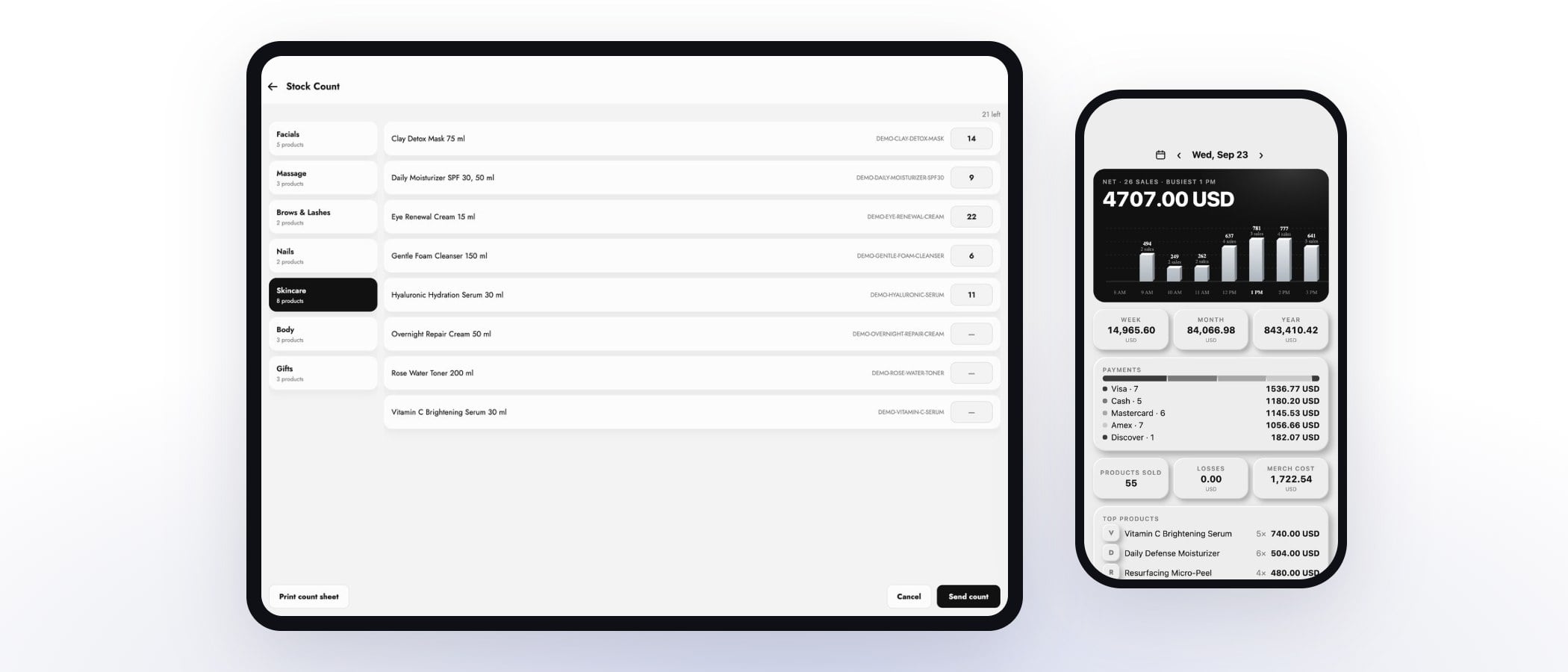
With MazalPOS you do not export by hand. We move your customers, products, staff, sales history, hours and payroll for free, and nothing goes live until the numbers match. See how to switch POS systems without losing data.
Does a new POS give you a credit for your old hardware?
Not that we found: none of the vendor pages we read advertises a credit for old hardware, and MazalPOS does not offer a trade-in credit. What we do offer is a free data move from your old POS, 14 days free with no card, and month to month billing.
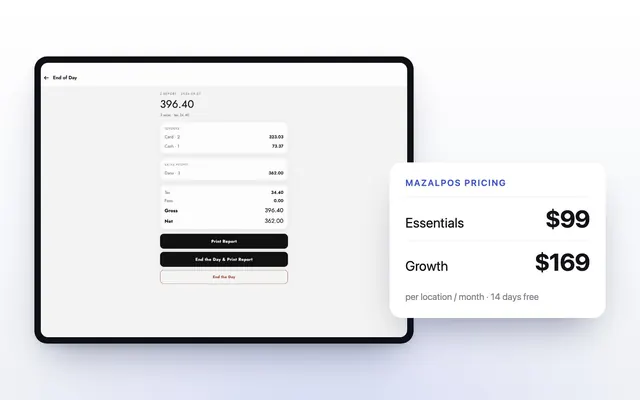
Pricing is per location: Essentials is $99 a month and Growth is $169 a month, with no charge for each employee. See pricing and how the free switch works. If your old gear is a lease, the cheapest move is usually to let it run out or buy it out at the end of the term, rather than pay a penalty to leave early.
What to ask your old vendor this week
- Is each device bought, rented or leased, and where does it say so?
- What is the buyout price, and by what date must I give notice?
- Is anything still inside its return window, and how do I count the days?
- Is there a termination fee, and does the equipment lease renew by itself?
- Will my reader or printer work with another processor?
- Can I keep the account open to read my history after I switch?
Common questions
Not through any program we found. Square, Clover, Toast, Lightspeed and Shopify publish return windows for new hardware, not trade-ins.
Toast accepts unused hardware within 90 days of shipment. Square, Lightspeed and Shopify list 30 days, so after that you can keep it or sell it if you own it.
Only if you own it. Clover’s terms say rented equipment stays Clover’s property, and Square’s warranty ends when you sell or transfer the hardware.
No. MazalPOS does not offer a trade-in credit. We move your data from your old POS for free, and every plan starts with 14 days free, no card.
Sources
- Square: Shop Sales and Return Policy, read November 20, 2026: 30 day return, unopened Apple products, warranty ends on sale.
- Square Help: Deactivate your Square account, read November 20, 2026: export first, keep account open for free.
- Toast Support: Return Unused Hardware, read November 20, 2026: 90 day return, unused hardware is yours.
- Toast Support: Toast Easy Pay FAQ, read November 20, 2026: lease and buyout notice.
- Clover: General Terms (Citibank-sponsored), section 24 Equipment, read November 20, 2026: ownership, sublease ban, $250 or fair market value, processor compatibility, security interest.
- Lightspeed Retail (S-Series) Support: Return Lightspeed Hardware, read November 20, 2026: 30 and 14 day windows.
- Shopify Hardware Store: Returns, read November 20, 2026: 30 day return, readers non-returnable.
- Apple Support: What to do before you sell, give away, or trade in your iPhone or iPad, read November 20, 2026: erase steps, Apple Trade In.
- FTC Business Blog: Credit card processing “deals” may be scams (June 21, 2018), read November 20, 2026: equipment lease costs and cancellation.
- FTC press release: FTC, Washington Take Action Against Payment Processor for Deceiving Small Businesses About Costs and Cancellation Terms (November 2, 2026), read November 20, 2026: termination fee and lease renewal allegations.

Written by Mike Akop, founder of MazalPOS. We build and support the register, online store and staff app that stores from Las Vegas to Honolulu run on. Questions about this guide? Talk to a real person.