On this page
Key takeaways
- Services, retail and tips belong on one ticket and one payment.
- Stylist commissions should calculate on every sale.
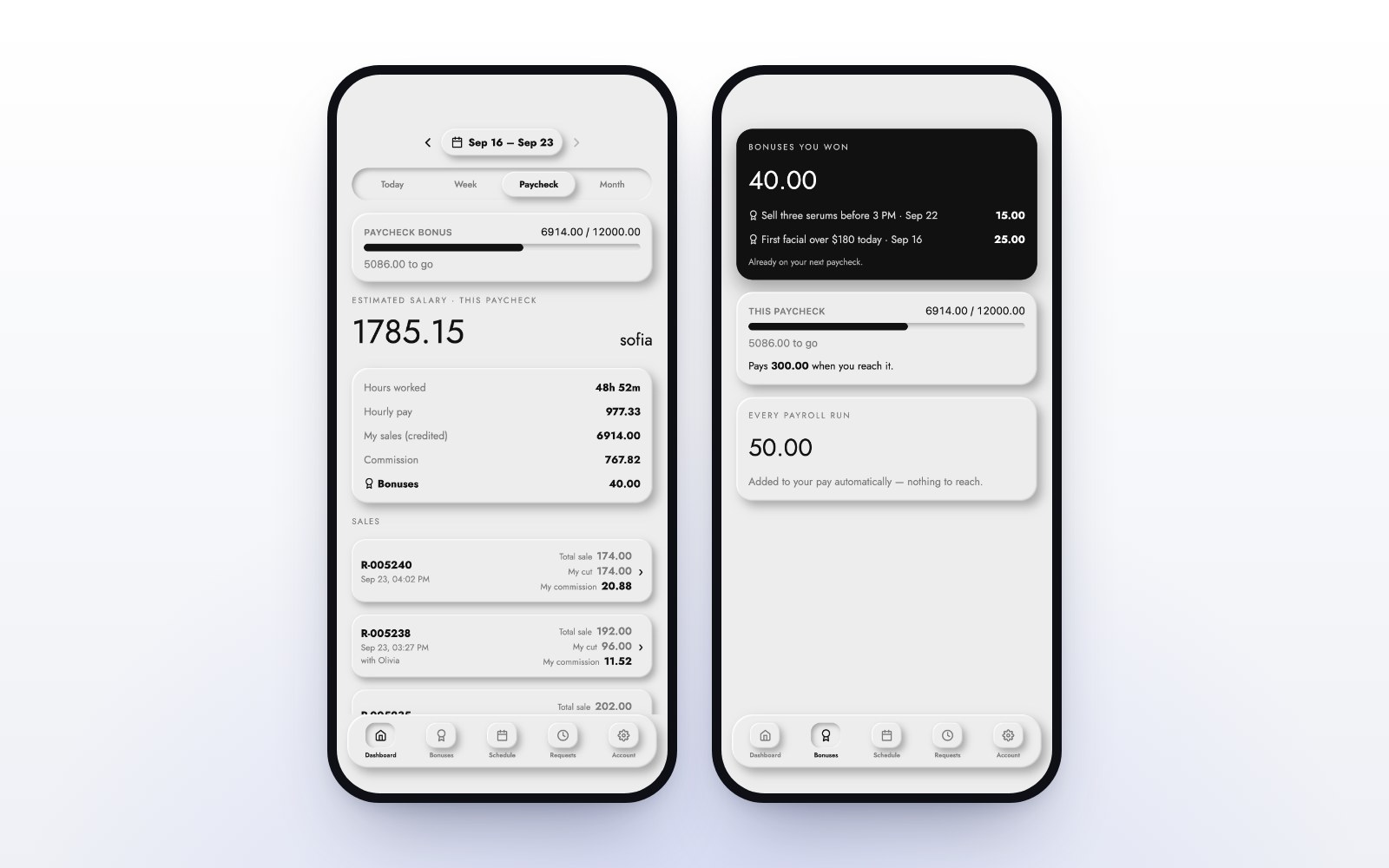
- Each stylist should see their own hours, sales and commission on their phone.
- Checkout should take a couple of taps, even with the Wi-Fi down.
A salon register works harder than a shop till. One ticket can hold a color service, a gloss, two products and a tip, and every line has to land in the right stylist’s pay. The right salon POS makes that a couple of taps. The wrong one makes it a Sunday night spreadsheet.
Services, retail and tips on one ticket
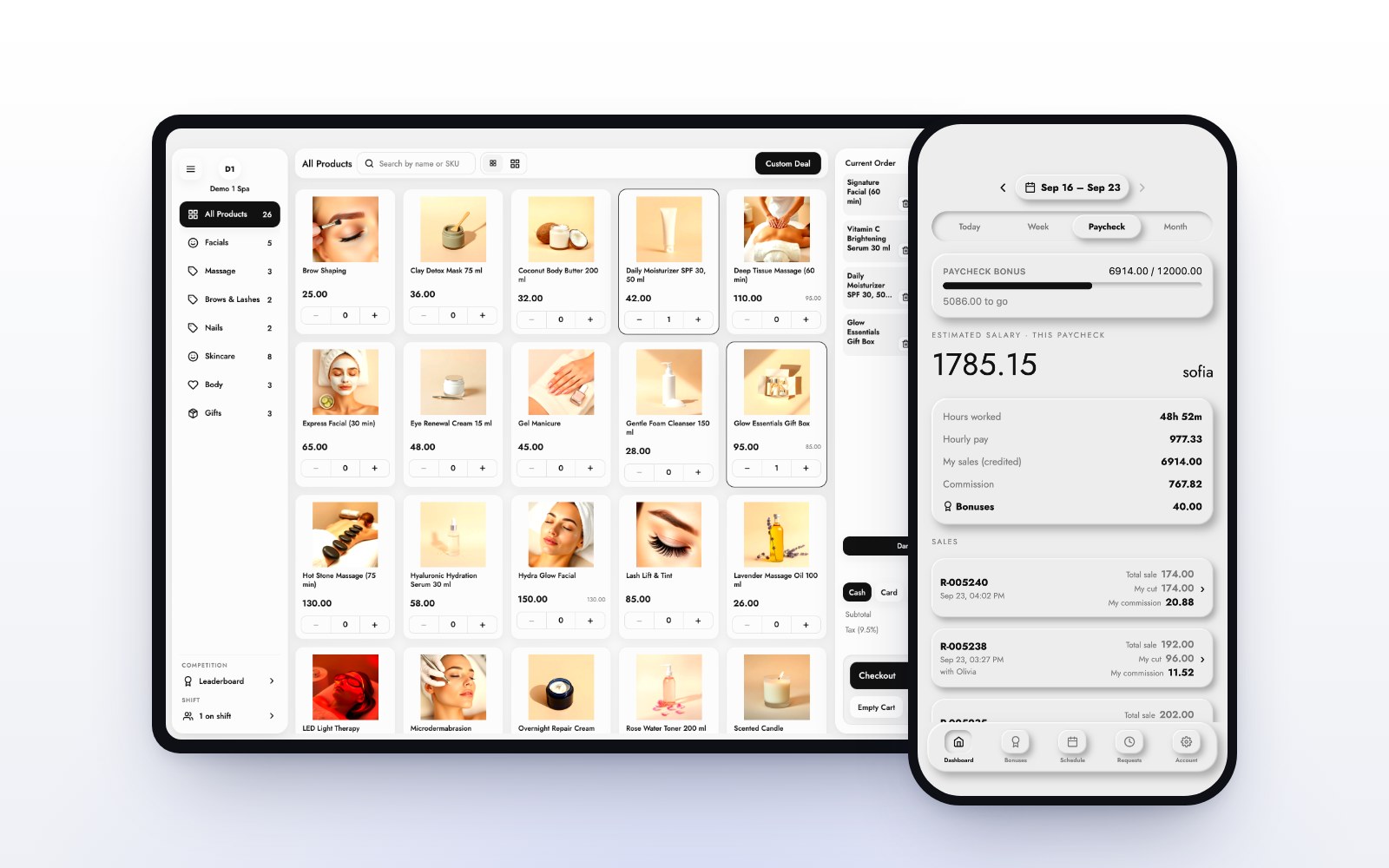
A client should get one receipt for one visit. Ask to see a ticket with a service, a retail product and a tip, paid in one payment. That is the everyday ticket in a salon or day spa, and the MazalPOS register handles it on an iPad or any computer.
Stylist commissions that do themselves
Commission should be worked out on every sale, using the goals and rates you set, and each stylist should see their own number. In MazalPOS, when a stylist reaches a goal the rate reached applies to the whole day. Read how salon commissions work.
A phone app for every stylist
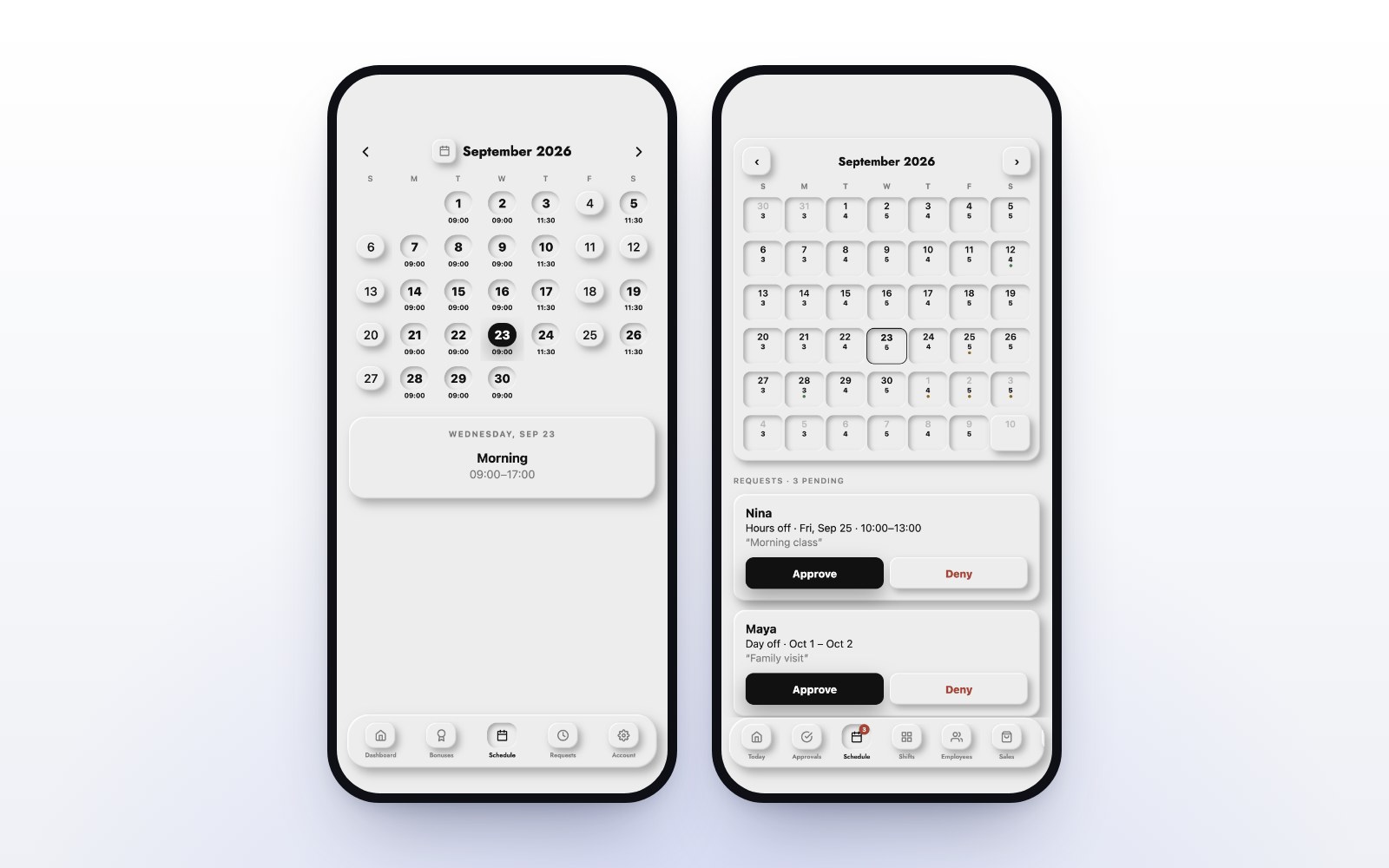
Stylists live on their phones between clients. The MazalPOS staff app shows their schedule, hours, sales and commission, and lets them clock in and request days off. See schedules and time-off requests.
Deposits and pay links
A deposit protects a long color appointment. Take it as a balance on the client’s profile, and it comes off at checkout. A pay link lets a client pay before they arrive. Both are part of MazalPOS payments.
Retail stock you can trust
Retail is often a salon’s best margin. Keep one count for the shelf and your website, with low-stock alerts on the products your stylists recommend most.
Fast checkout, even offline
The front desk is busiest when three clients finish at once. Checkout should be a couple of taps, and the register should keep selling if the Wi-Fi drops. MazalPOS is offline-first: nothing spins.
Salon POS checklist
- One ticket for services, retail and tip.
- Commissions per stylist, calculated automatically.
- A staff app with schedule, hours and pay.
- Deposits on the client’s balance.
- Offline checkout.
- A free move from your old system.
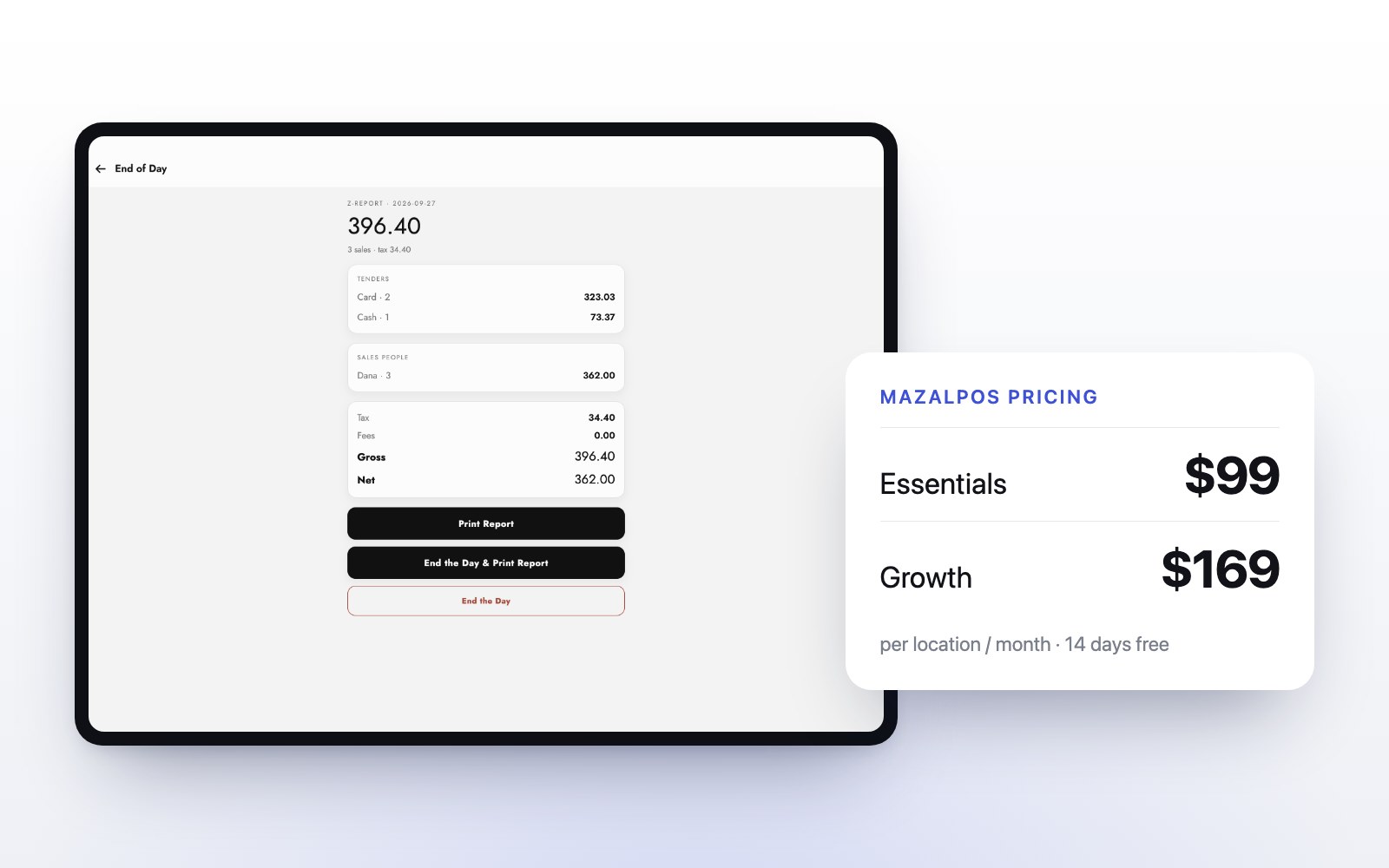
Built for salons, barbershops and beauty retail. See pricing, or read how much a POS system costs.
Common questions
The best salon POS puts services, retail and tips on one ticket, calculates stylist commissions automatically, gives every stylist a phone app, holds deposits and keeps selling offline. MazalPOS is built for that.
Yes. In MazalPOS, tips are added at checkout on the same ticket as services and retail.
Yes. Every MazalPOS employee gets the staff phone app with their schedule, hours, sales and commission.

Written by the MazalPOS team. We build and support the register, online store and staff app that stores from Las Vegas to Honolulu run on. Questions about this guide? Talk to a real person.